



Medium-specific painting
Oil, watercolor, ink, pastel, charcoal, illustration, and woodblock prompts use distinct surface language—impasto, transparent wash, dry line, or powdery softness—not one generic filter.
Create a painting from text or upload a photo for oil, watercolor, acrylic, ink, or pastel treatment. No signup, paid credits, or watermark; fair-use limits apply.
Generate the same person, pet, or character across unlimited images — without losing the face. Then turn it into a 4-second video.
Oil, watercolor, ink, pastel, charcoal, illustration, and woodblock prompts use distinct surface language—impasto, transparent wash, dry line, or powdery softness—not one generic filter.
Start from text or an uploaded image without creating an account, entering a card, or buying a credit pack. The painter runs directly in your browser.
The painter redraws the subject rather than applying a pixel-preserving filter. Brushwork can feel physical, but identity, small details, and composition may drift.
New paintings download as PNG files with no FreePainter watermark. Choose from six canvas shapes and upscale later when a large print needs more pixels.
The studio prohibits explicit sexual content, sexualized minors, non-consensual deepfakes, hate, and targeted harassment. Uploaded images must follow the same rules.
The free service allows 5 image generations per IP address each hour. Automated use and attempts to bypass the limit are prohibited.
Describe a subject from scratch or upload a clear JPG, PNG, or WebP image as the starting point.
Ask for oil impasto, transparent watercolor washes, dry ink lines, soft pastel, or another specific surface treatment.
Use 4:5 for portraits, 1:1 for compact compositions, 3:2 or 16:9 for landscapes, and 9:16 for tall scenes.
Generate, inspect likeness and composition, then download the watermark-free PNG. Upscale and retouch before a large print.
Compare finished results with the prompts behind them, then bring one back here as your starting point.
Explore the collection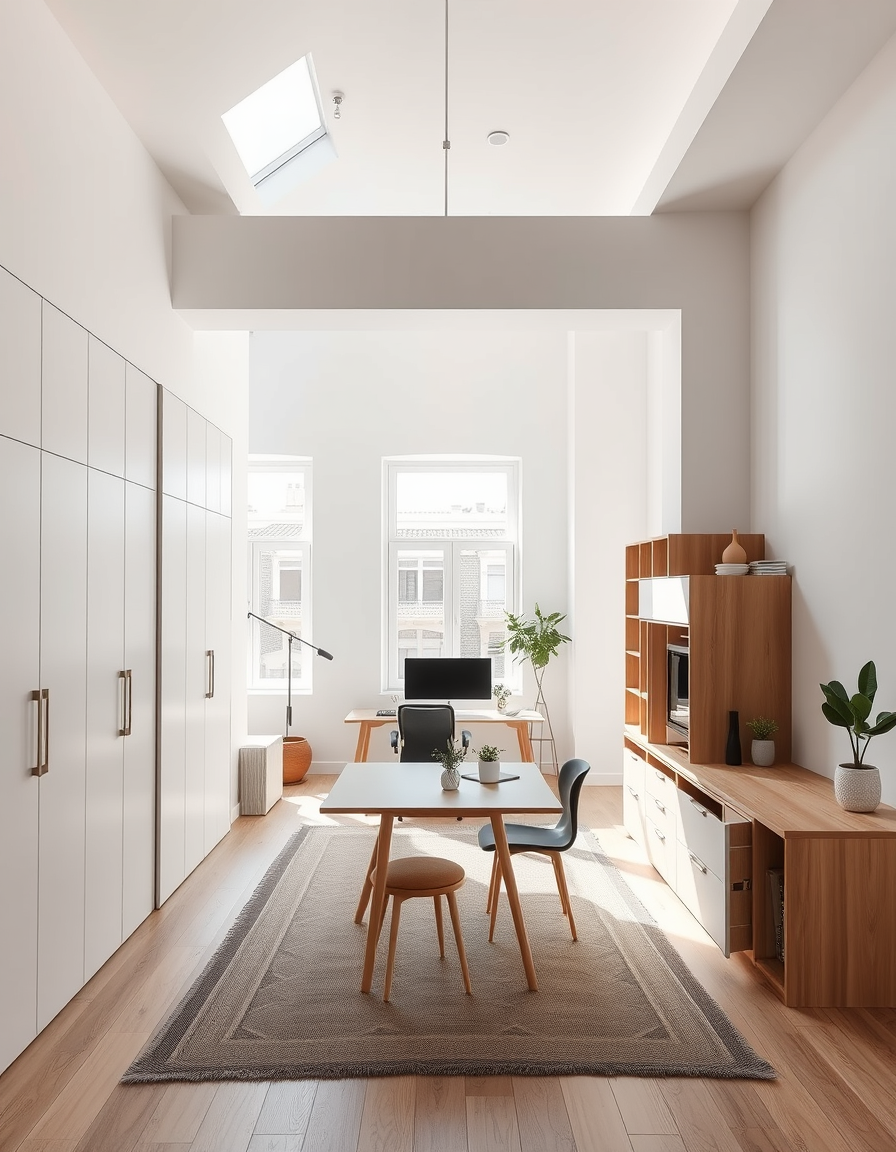
Turn photos into paintings, build print-ready art concepts, or choose a painter tuned for oil, watercolor, ink, pastel, and more.
Add furniture and decor to any empty room with AI — free, no signup, renders within fair-use limits, no watermark, straight in your browser.
Turn a portrait into a painterly artwork free online - no signup, renders within fair-use limits, no watermark, straight in your browser.
Transform a picture into a soft watercolor painting free online - no signup, renders within fair-use limits, no watermark, straight in your browser.
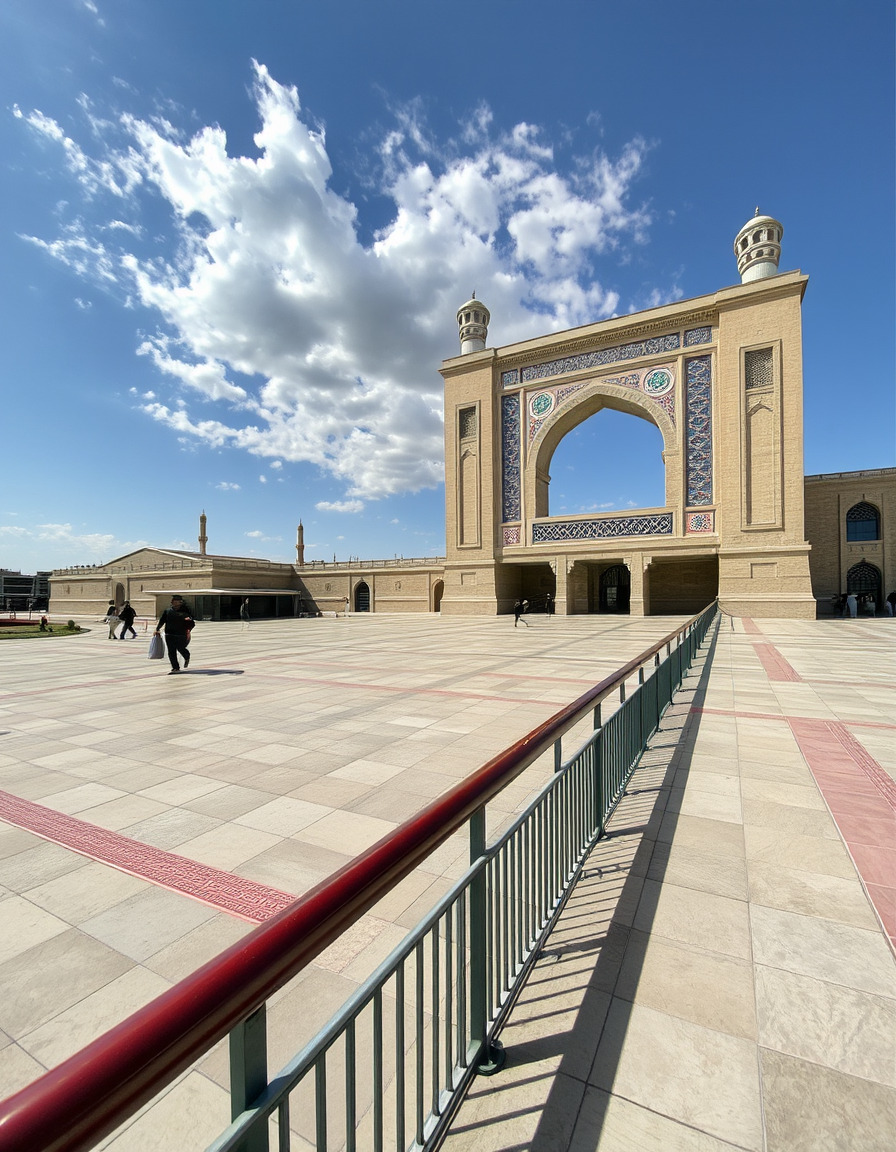
Turn portraits, landscapes, and pets into fine-art paintings free online — no signup, subject to fair-use limits, no watermark, right in your browser.
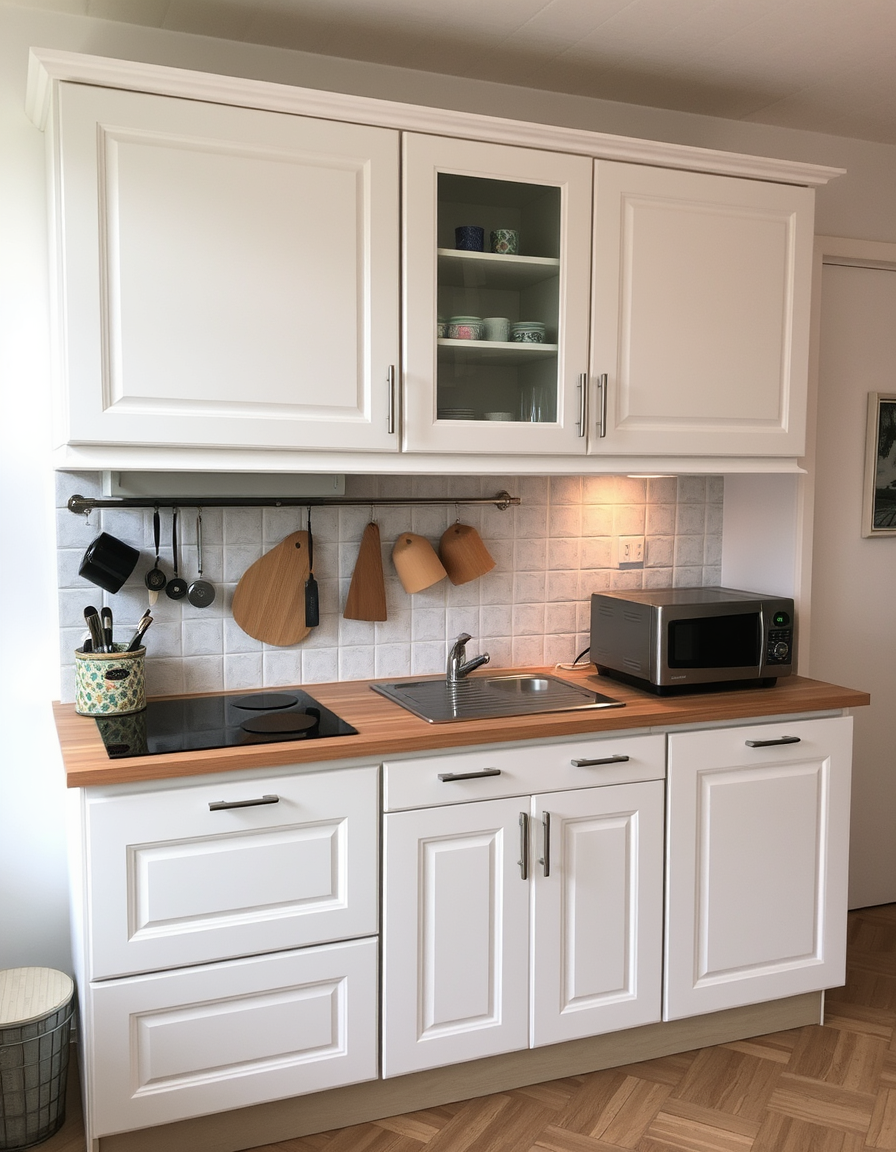
Preview any wall color in your room free online — no signup, renders within fair-use limits, no watermark, straight in your browser.
Describe any landscape and receive a hand-painted scene — sky, foliage, and atmospheric depth applied with gallery-quality brushwork. Free, no signup.
Design custom party, wedding, or baby shower invitations free online — no signup, tries, straight in your browser within fair-use limits.
Visualize a new room layout, furniture, and lighting free online — no signup, renders within fair-use limits, straight in your browser.
Yes. You do not need an account, credit card, or paid credits. Fair use allows 5 image generations per IP address each hour.
A filter preserves the original pixels and changes their appearance. FreePainter generatively redraws the subject from text or an uploaded photo, so brushwork can change the face, edges, background, and composition.
Oil suits portraits and still lifes; watercolor suits florals, cards, and light landscapes; ink favors high-contrast linework; pastel gives portraits and quiet scenes a soft, powdery surface.
No identity match is guaranteed. Use a clear, well-lit, single-subject photo with the face visible, then keep the medium prompt simple to reduce drift.
Name physical marks, not just a style: oil impasto, visible bristle strokes, and canvas tooth; or transparent watercolor washes, pigment blooms, and cold-press paper.
The photo is sent to Runware for inference and is not stored on FreePainter's servers. Prompt text and anonymous generation metadata may be retained for up to 90 days.
New paintings are watermark-free PNG: 1:1 1024×1024, 4:3 1152×896, 3:2 1152×768, 16:9 1344×768, 9:16 768×1344, or 4:5 896×1152. Upscale before making a large print.
The Service permits personal and experimental use only; FreePainter makes no ownership claim but does not grant a commercial license. You must also consider third-party rights and local copyright law.