



Medium-specific painting
Oil, watercolor, ink, pastel, charcoal, illustration, and woodblock prompts use distinct surface language—impasto, transparent wash, dry line, or powdery softness—not one generic filter.
Transform a picture into a soft watercolor painting free online - no signup, renders within fair-use limits, no watermark, straight in your browser.
Generate the same person, pet, or character across unlimited images — without losing the face. Then turn it into a 4-second video.
Oil, watercolor, ink, pastel, charcoal, illustration, and woodblock prompts use distinct surface language—impasto, transparent wash, dry line, or powdery softness—not one generic filter.
Start from text or an uploaded image without creating an account, entering a card, or buying a credit pack. The painter runs directly in your browser.
The painter redraws the subject rather than applying a pixel-preserving filter. Brushwork can feel physical, but identity, small details, and composition may drift.
New paintings download as PNG files with no FreePainter watermark. Choose from six canvas shapes and upscale later when a large print needs more pixels.
The studio prohibits explicit sexual content, sexualized minors, non-consensual deepfakes, hate, and targeted harassment. Uploaded images must follow the same rules.
The free service allows 5 image generations per IP address each hour. Automated use and attempts to bypass the limit are prohibited.
Upload a reference image when you want to keep a specific subject, or describe the scene you want painted in watercolor.
Use words like transparent washes, wet paper, soft pigment edges, paper grain, light splatter, or loose travel sketch.
Choose 4:5 for portraits and gifts, 1:1 for social posts, or 16:9 when the landscape or room context matters.
Create the watercolor, adjust the prompt if it needs more softness or detail, then download the no-watermark result.
Compare finished results with the prompts behind them, then bring one back here as your starting point.
Explore the collection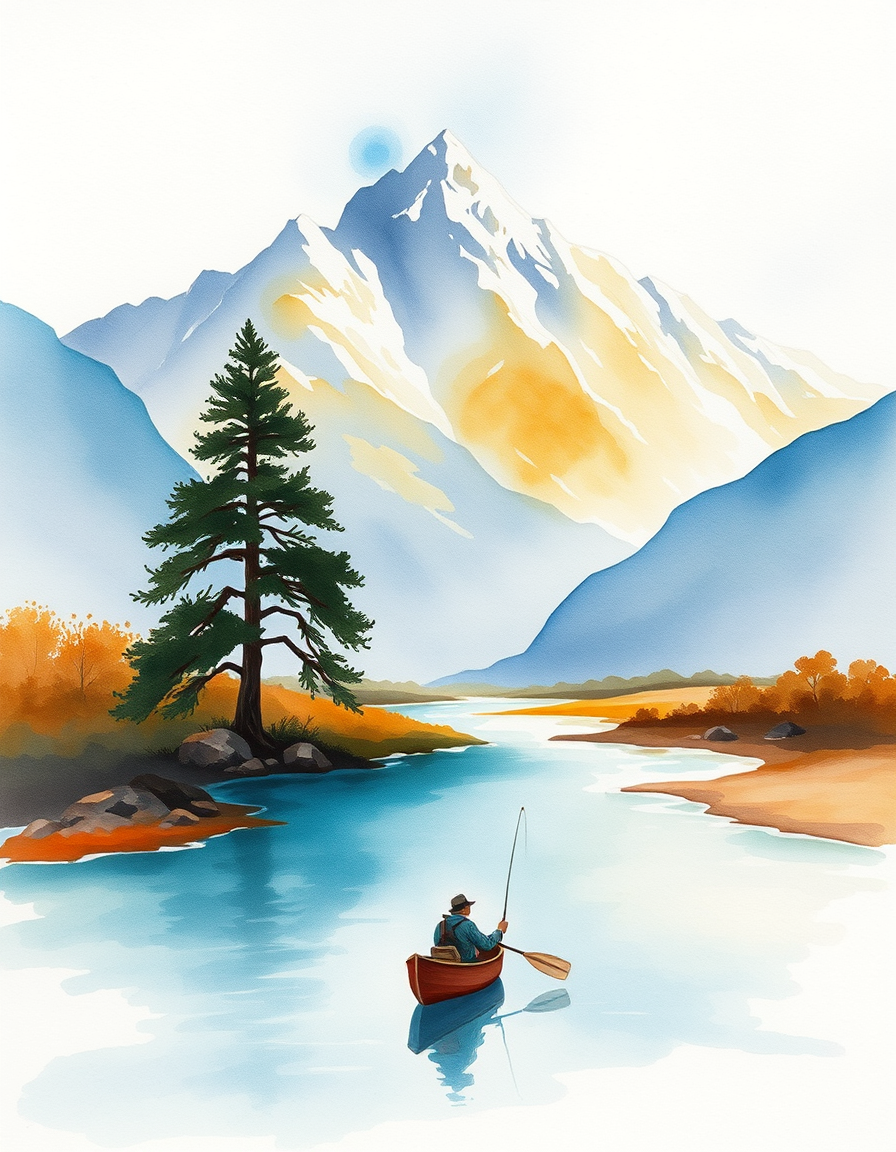
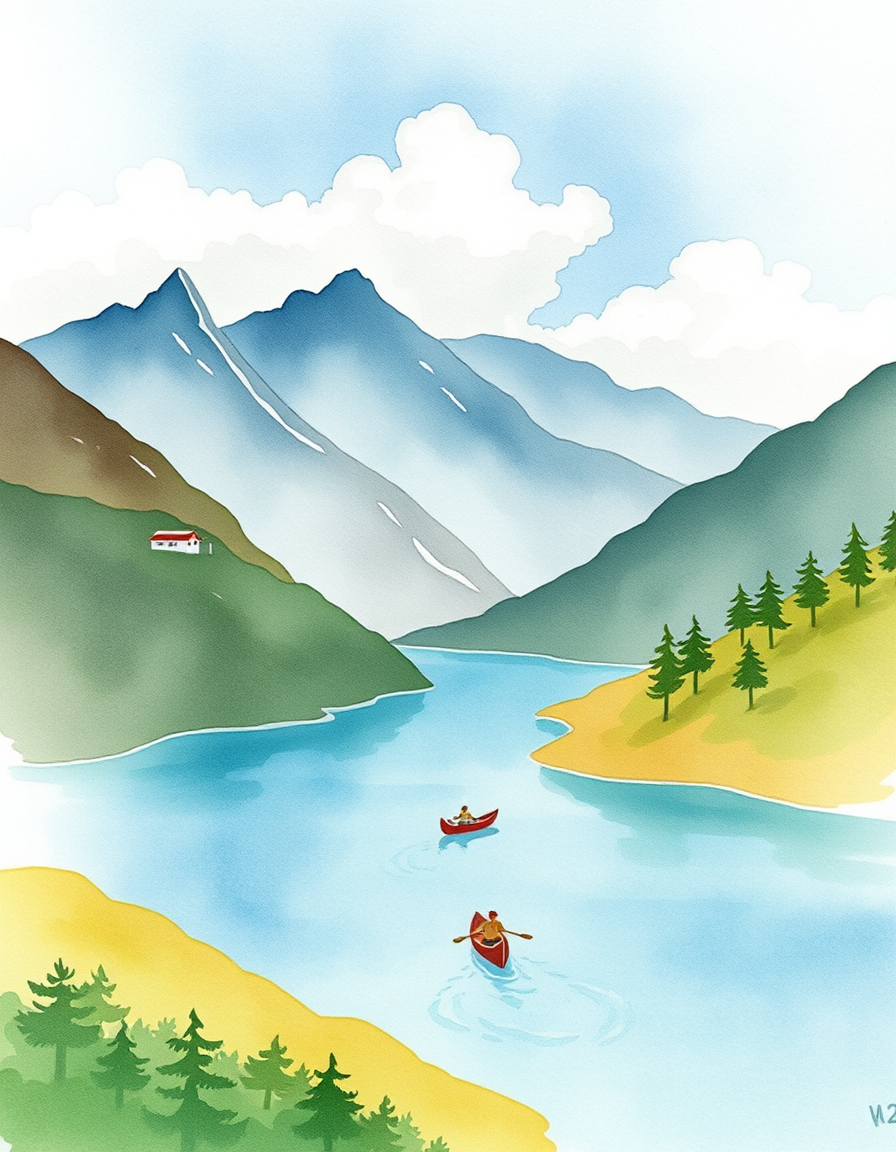
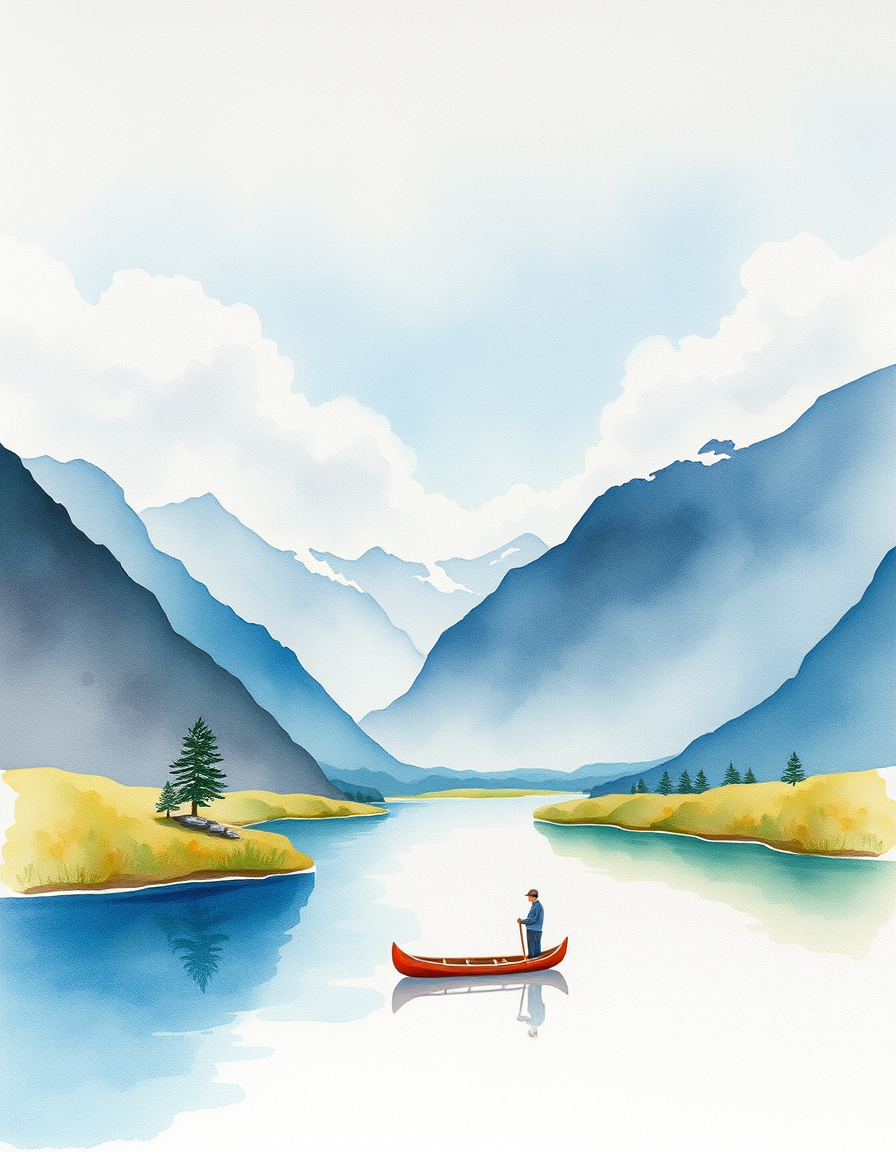
The FreePainter picture into watercolor converter turns photos, screenshots, keepsake images, travel scenes, pets, rooms, and portraits into gentle watercolor-style paintings - free, no signup, no watermark, and with tries online within fair-use limits. It is made for people who want a soft hand-painted look without wrestling with layers, filters, or a complicated editor. A reference picture gives the painter composition and subject matter; your prompt can then steer the mood with words like airy, delicate, travel sketch, loose floral, soft pastel, or luminous paper grain.
Watercolor has a different feeling from oil or digital illustration. It leaves room for the paper, lets edges breathe, and turns shadows into transparent layers rather than heavy blocks. This page silently adds watercolor conversion language around your prompt, so the result leans toward soft washes, pigment blooms, pale highlights, and a hand-painted paper surface. It works especially well for wedding flowers, house portraits, pet keepsakes, landscape postcards, recipe cards, and family photos where you want memory and atmosphere more than photographic precision. It will not preserve tiny written labels perfectly, so add final text in a design editor if the image needs readable words.
Explore nearby ways to soften a photo into watercolor, oil, or hand-painted portrait artwork.
Describe a subject or upload a photo for transparent washes, soft bleeds, and paper texture. No signup or paid credits; fair-use limits apply.
Create a source photo redrawn with visible physical brushwork. Describe the subject, composition, palette, and finish; generate online with no signup or paid credits.
Turn portraits, landscapes, and pets into fine-art paintings free online — no signup, subject to fair-use limits, no watermark, right in your browser.
Turn a portrait into a painterly artwork free online - no signup, renders within fair-use limits, no watermark, straight in your browser.
Yes. You can create watercolor-style images free online with no signup, no credit card, and no watermark.
Yes. Upload a reference image when you want the watercolor to follow a real photo, or write a prompt if you want a fresh scene.
Pets, portraits, flowers, houses, food, travel scenes, and simple landscapes usually translate beautifully because watercolor likes clear shapes and soft light.
Not reliably. Watercolor conversion is best for imagery and atmosphere; add final labels, invitations, or card text in an editor afterward.
FreePainter stores prompt text and generation metadata for safety and operations. It does not store generated image bytes on its own infrastructure.