



Medium-specific painting
Oil, watercolor, ink, pastel, charcoal, illustration, and woodblock prompts use distinct surface language—impasto, transparent wash, dry line, or powdery softness—not one generic filter.
Turn a portrait into a painterly artwork free online - no signup, renders within fair-use limits, no watermark, straight in your browser.
Generate the same person, pet, or character across unlimited images — without losing the face. Then turn it into a 4-second video.
Oil, watercolor, ink, pastel, charcoal, illustration, and woodblock prompts use distinct surface language—impasto, transparent wash, dry line, or powdery softness—not one generic filter.
Start from text or an uploaded image without creating an account, entering a card, or buying a credit pack. The painter runs directly in your browser.
The painter redraws the subject rather than applying a pixel-preserving filter. Brushwork can feel physical, but identity, small details, and composition may drift.
New paintings download as PNG files with no FreePainter watermark. Choose from six canvas shapes and upscale later when a large print needs more pixels.
The studio prohibits explicit sexual content, sexualized minors, non-consensual deepfakes, hate, and targeted harassment. Uploaded images must follow the same rules.
The free service allows 5 image generations per IP address each hour. Automated use and attempts to bypass the limit are prohibited.
Start with a reference image if you have one, or describe the person, age, expression, clothing, and background you want painted.
Add words like oil portrait, watercolor portrait, soft studio light, textured canvas, or loose brushwork so the painter knows the finish you want.
Use 4:5 for a classic framed portrait, 1:1 for profile avatars, or 3:2 when the background and shoulders matter.
Create a free portrait painting, adjust the prompt if the likeness or mood needs tuning, then download the no-watermark result.
Compare finished results with the prompts behind them, then bring one back here as your starting point.
Explore the collection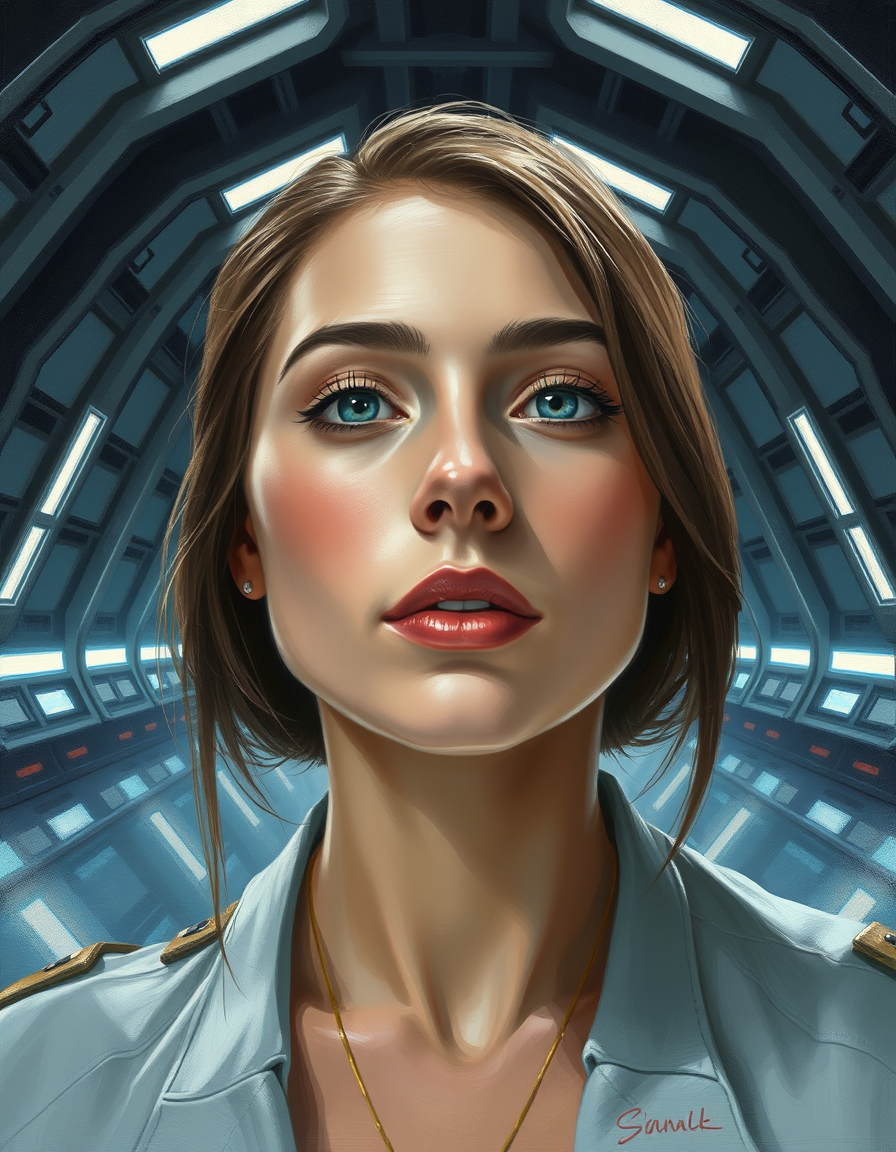
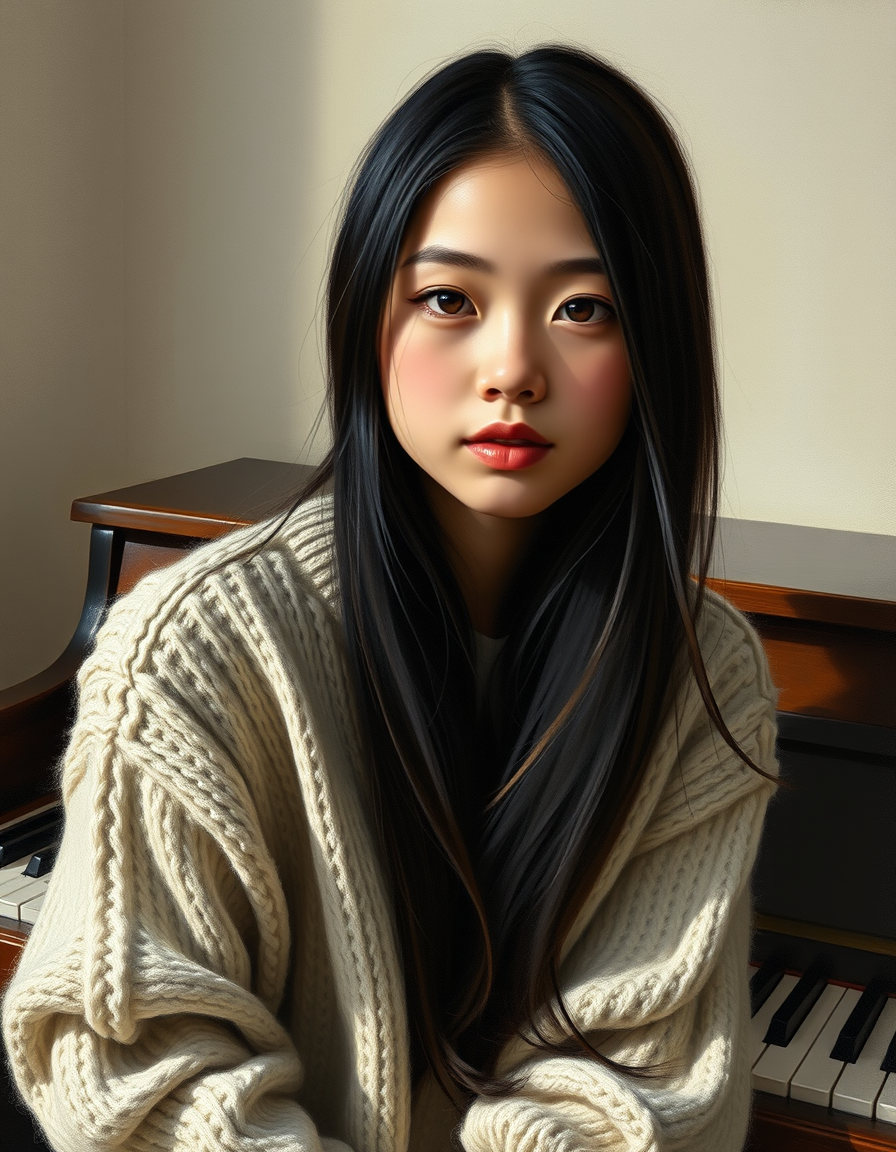
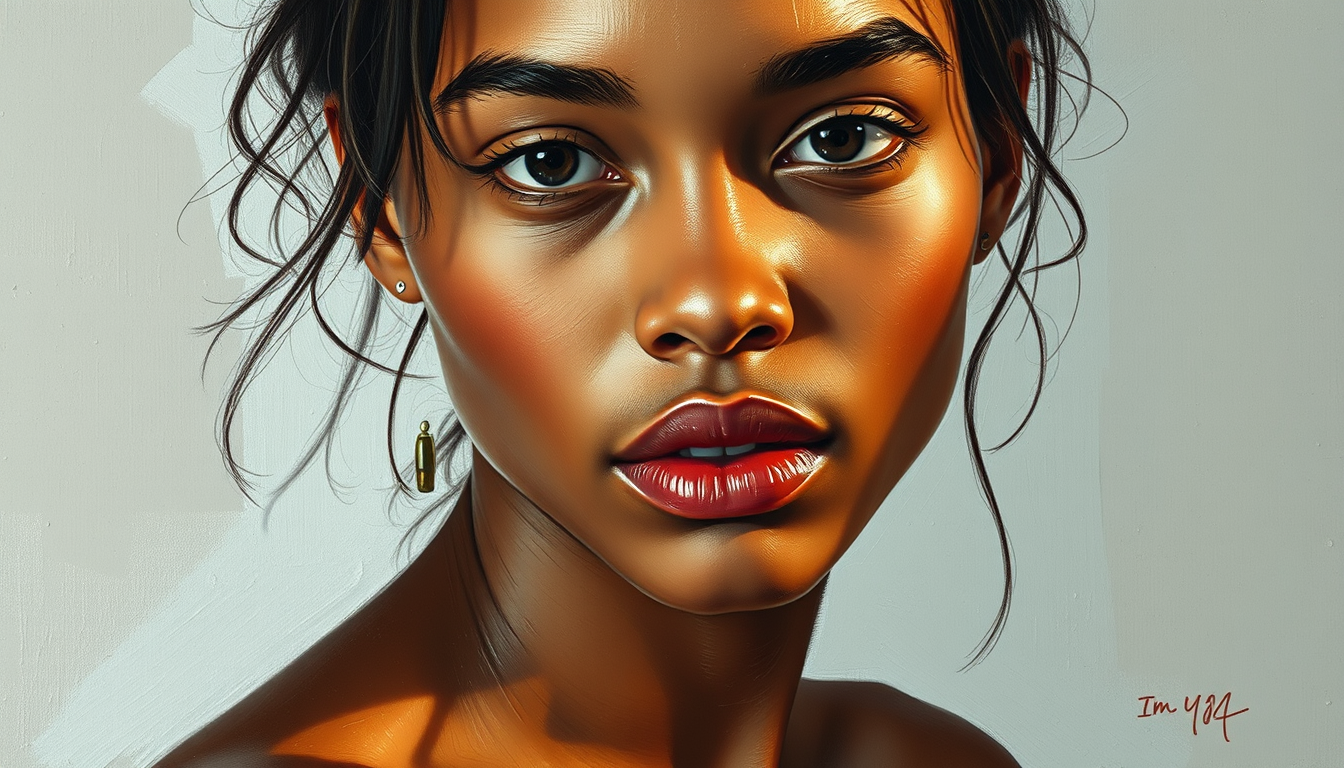
The FreePainter portrait into painting tool turns a face, headshot, family photo, or written portrait idea into a finished-looking painted image - free, no signup, no watermark, and with tries in the browser within fair-use limits. It is built for people who want a keepsake portrait, a warmer profile image, a gift mockup, or a fine-art version of a reference photo without hiring a studio painter for every experiment. You can upload a portrait as a visual guide or describe the subject from scratch: hair, clothing, expression, age, lighting, background, and the kind of brushwork you want.
Portrait painting works best when the prompt gives the painter both likeness cues and atmosphere. A phrase such as "elderly man with silver hair, navy sweater, soft Rembrandt-style side light, warm brown background" gives the page enough structure to preserve the human character while still turning the image into a painting rather than a filtered photo. The tool silently adds portrait-painting language around your prompt, so faces receive flattering painterly light, natural skin tones, and a hand-painted surface. It will not guarantee a legally exact likeness, and you should only upload people you have permission to use, but it is very useful for exploring portrait styles before commissioning, printing, gifting, or posting a final version.
Try nearby FreePainter tools for photo painting, pet portraits, oil texture, and watercolor softness.
Create a source photo redrawn with visible physical brushwork. Describe the subject, composition, palette, and finish; generate online with no signup or paid credits.
Turn portraits, landscapes, and pets into fine-art paintings free online — no signup, subject to fair-use limits, no watermark, right in your browser.
Create a pet photo turned into a focused painted portrait. Describe the subject, composition, palette, and finish; generate online with no signup or paid credits.
Completely free AI oil painter. Rich textures, classical brushwork. No signup, no watermark.
Describe a subject or upload a photo for transparent washes, soft bleeds, and paper texture. No signup or paid credits; fair-use limits apply.
Yes. FreePainter lets you create portrait paintings free online with no signup, no credit card, and no watermark on the download.
Yes. Use a reference image when you want the painting to follow a real face or pose, or write a prompt if you want an imagined portrait.
It tries to keep the visible identity, expression, and pose from your prompt or reference, but it is still a generative painter. Use the result as an artwork or draft, not as an ID-accurate portrait.
FreePainter permits personal and experimental use only and does not grant a commercial license. It makes no ownership claim, but you are responsible for third-party rights and local copyright law.
FreePainter stores prompt text and generation metadata for safety, rate limits, and operations. It does not store generated image bytes on its own infrastructure, and reference images are sent to the inference provider to create the result.