



Medium-specific painting
Oil, watercolor, ink, pastel, charcoal, illustration, and woodblock prompts use distinct surface language—impasto, transparent wash, dry line, or powdery softness—not one generic filter.
Turn portraits, landscapes, and pets into fine-art paintings free online — no signup, subject to fair-use limits, no watermark, right in your browser.
Generate the same person, pet, or character across unlimited images — without losing the face. Then turn it into a 4-second video.
Oil, watercolor, ink, pastel, charcoal, illustration, and woodblock prompts use distinct surface language—impasto, transparent wash, dry line, or powdery softness—not one generic filter.
Start from text or an uploaded image without creating an account, entering a card, or buying a credit pack. The painter runs directly in your browser.
The painter redraws the subject rather than applying a pixel-preserving filter. Brushwork can feel physical, but identity, small details, and composition may drift.
New paintings download as PNG files with no FreePainter watermark. Choose from six canvas shapes and upscale later when a large print needs more pixels.
The studio prohibits explicit sexual content, sexualized minors, non-consensual deepfakes, hate, and targeted harassment. Uploaded images must follow the same rules.
The free service allows 5 image generations per IP address each hour. Automated use and attempts to bypass the limit are prohibited.
Write what the original photo shows — portrait, landscape, pet — and the painting style: oil, watercolor, acrylic, gouache, or mixed.
FreePainter applies rich-brushwork framing and renders a fine-art painting with genuine textural quality in seconds.
Try a different medium, lighting mood, or brushwork character — regenerate as many times as needed, all free.
Save the high-resolution, watermark-free PNG — suitable for framing, gifting, or use as a home decoration.
Compare finished results with the prompts behind them, then bring one back here as your starting point.
Explore the collection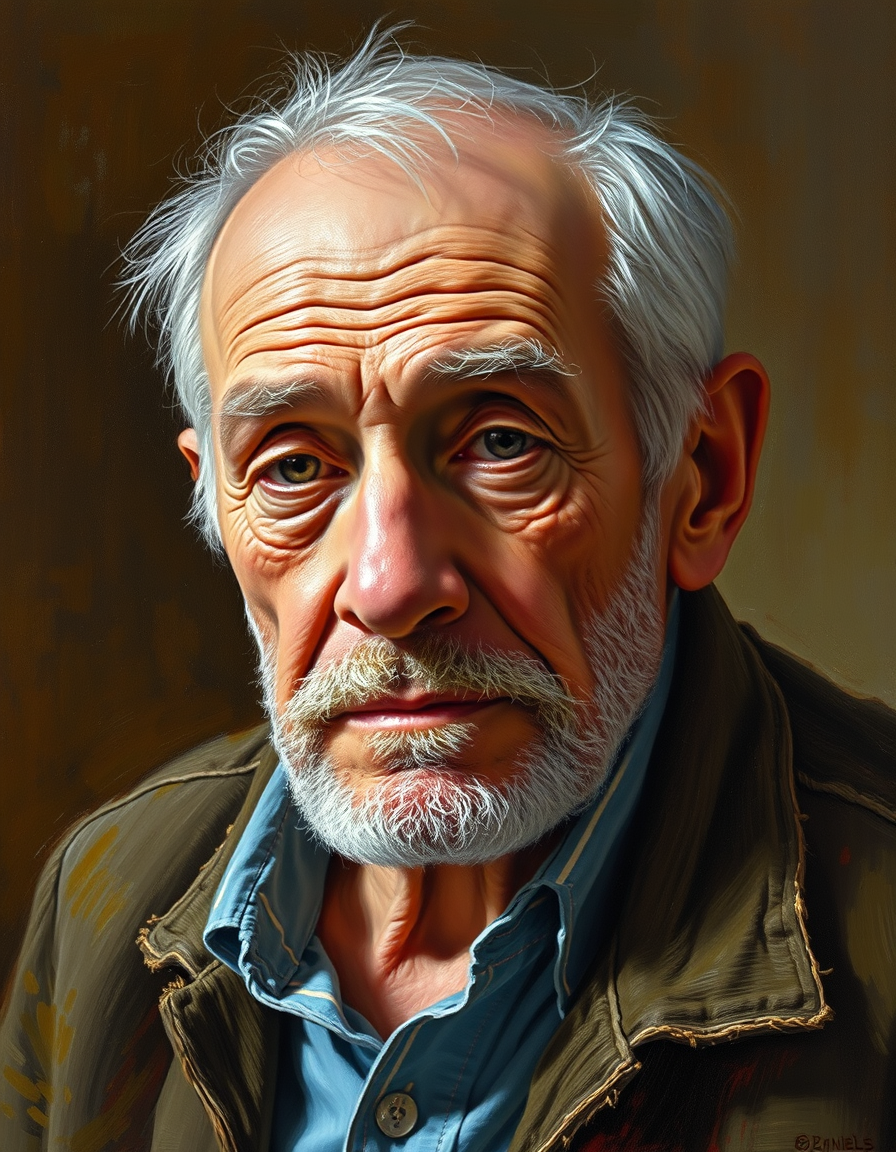
The FreePainter Photo to Painting converter produces fine-art painting images from text descriptions of any photographic subject — free, no signup, no watermark, and subject to fair-use limits. It's the tool for anyone who wants to see a portrait, landscape, pet, or event scene rendered with genuine painterly texture: real brushwork character, layered color, and the visual richness of a hand-made painting.
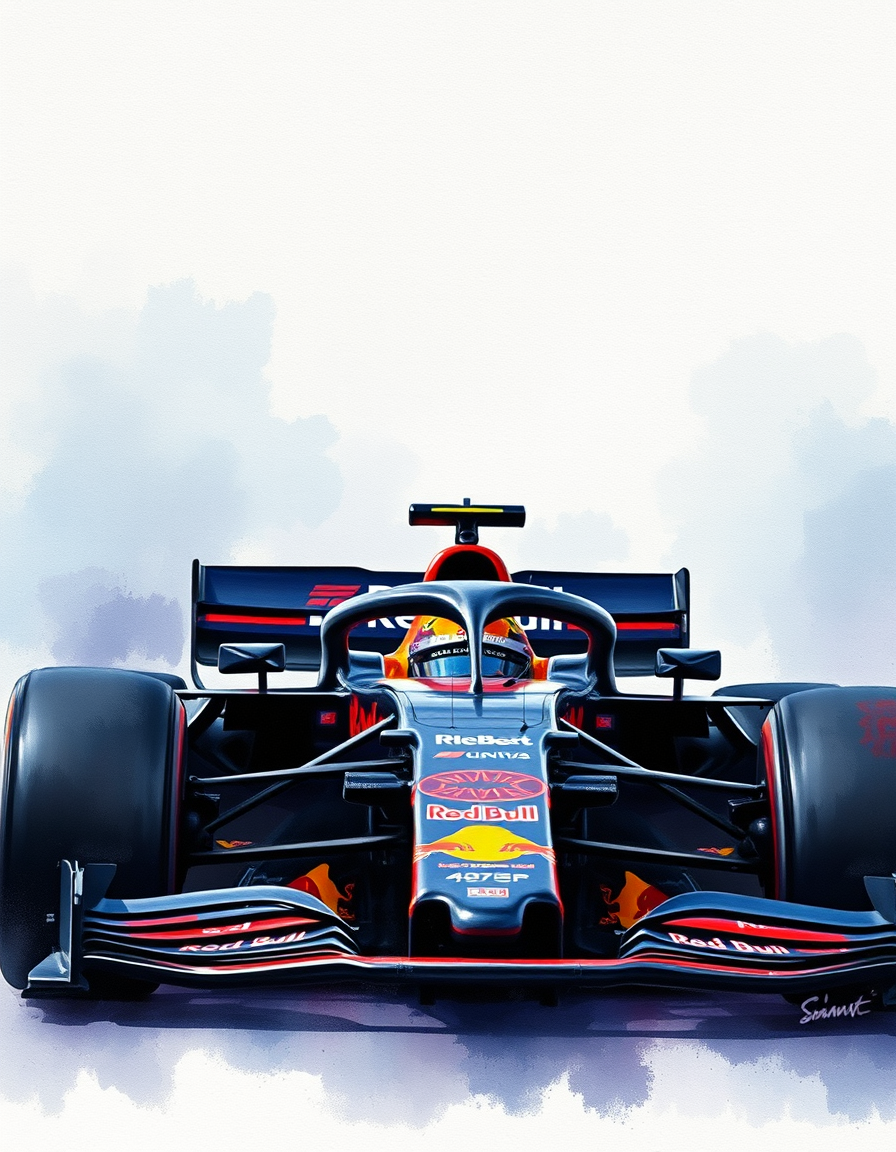
The output carries the hallmarks of the medium you choose. Oil paintings rendered through this tool show impasto texture where paint is thick, glazing effects where colors build up in transparent layers, and the directional energy of brushstrokes that follow the form. Watercolors show blooming washes, soft edges, and the translucent luminosity the medium is known for. Gouache sits between the two — opaque, flat, and with a chalky surface quality that makes it ideal for illustrative portrait styles.
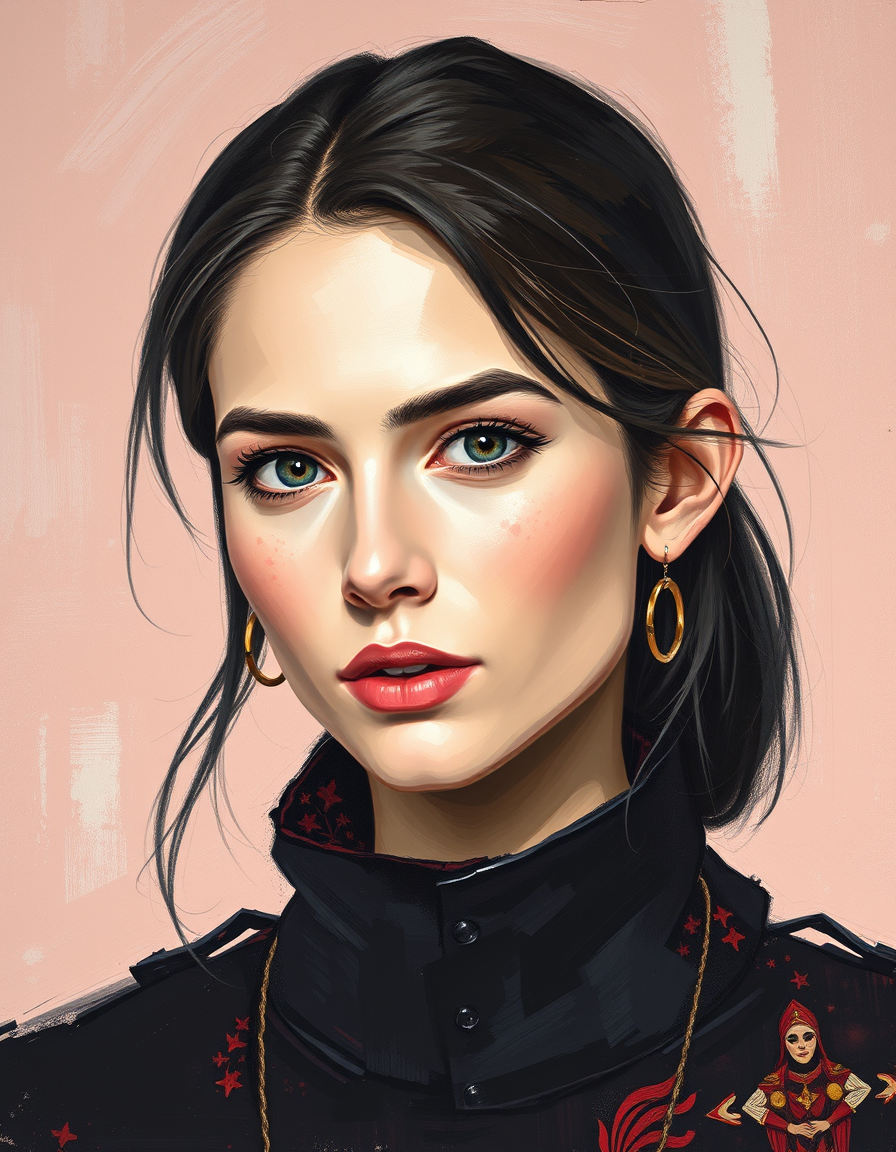
For portraits, the most impactful prompt additions are lighting and mood. 'Warm late-afternoon light from the left' and 'cooler, overcast northern light' produce fundamentally different paintings even from the same subject. For landscape subjects, season and time of day anchor the palette: a summer noon plein-air has a very different chromatic key than a winter dusk. For pet portraits, naming the breed or animal and a color note — 'a tabby cat with green eyes in impressionist oil' — helps the subject resolve clearly within the painting's style.
Gift-giving is one of the strongest uses for this tool. A pet portrait, a family portrait, or a travel scene converted to oil painting and printed on canvas makes a considered, personal gift that feels hand-made — because the painting style is.
Portrait orientation (3:4 or 2:3) suits people and animal subjects. Landscape (16:9) fits outdoor scenes. Square crops work for still life and close-up subjects. Downloads are full-resolution PNGs, print-ready and watermark-free.
Oil, watercolor, photo conversions, and more — all free, no signup.
Create a photo repainted with layered color, directional strokes, and canvas texture. Describe the subject, composition, palette, and finish; generate online with no signup or paid credits.
Create a photo interpreted with transparent pigment, paper grain, and controlled soft edges. Describe the subject, composition, palette, and finish; generate online with no signup or paid credits.
Create a source photo redrawn with visible physical brushwork. Describe the subject, composition, palette, and finish; generate online with no signup or paid credits.
No account, credit card, or paid credits are required. Fair use allows 5 image generations per IP address each hour.
Oil, watercolor, gouache, acrylic, impressionist, and expressionist all produce strong results. Naming the style in your prompt is the most reliable way to guide the output.
Yes — the high-resolution PNG is suitable for canvas printing, framing, and gifting. Many print services accept PNG files directly.
Yes — the download has no watermark or branding.
This tool generates paintings from text descriptions of your subject. Describe the person, animal, or scene and the painting medium you want.
Portrait (3:4) for people and pets, landscape (16:9 or 3:2) for outdoor scenes, and square for still life subjects all work well.