



Medium-specific painting
Oil, watercolor, ink, pastel, charcoal, illustration, and woodblock prompts use distinct surface language—impasto, transparent wash, dry line, or powdery softness—not one generic filter.
Create a photo repainted with layered color, directional strokes, and canvas texture. Describe the subject, composition, palette, and finish; generate online with no signup or paid credits.
Generate the same person, pet, or character across unlimited images — without losing the face. Then turn it into a 4-second video.
Oil, watercolor, ink, pastel, charcoal, illustration, and woodblock prompts use distinct surface language—impasto, transparent wash, dry line, or powdery softness—not one generic filter.
Start from text or an uploaded image without creating an account, entering a card, or buying a credit pack. The painter runs directly in your browser.
The painter redraws the subject rather than applying a pixel-preserving filter. Brushwork can feel physical, but identity, small details, and composition may drift.
New paintings download as PNG files with no FreePainter watermark. Choose from six canvas shapes and upscale later when a large print needs more pixels.
The studio prohibits explicit sexual content, sexualized minors, non-consensual deepfakes, hate, and targeted harassment. Uploaded images must follow the same rules.
The free service allows 5 image generations per IP address each hour. Automated use and attempts to bypass the limit are prohibited.
Start with the main subject and intended use, such as formal portraits or landscape paintings.
Name the desired stroke scale, paint thickness, palette, and lighting. Use restrained brushwork around faces and broader strokes in clothing and background.
Check the focal point, crop, anatomy, small details, and empty space. Change one prompt variable at a time.
Save the watermark-free PNG, then add exact text, sizing, or production details in an editor when needed.
Compare finished results with the prompts behind them, then bring one back here as your starting point.
Explore the collection
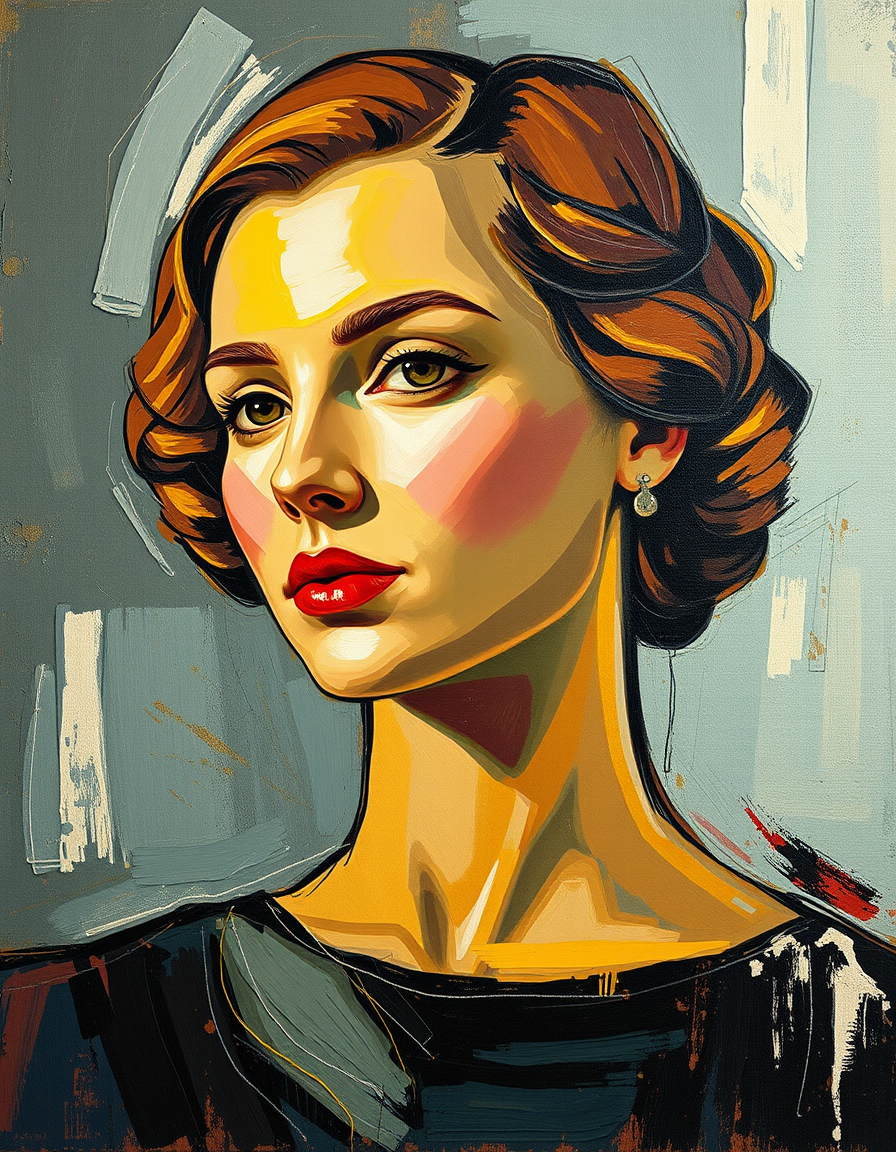
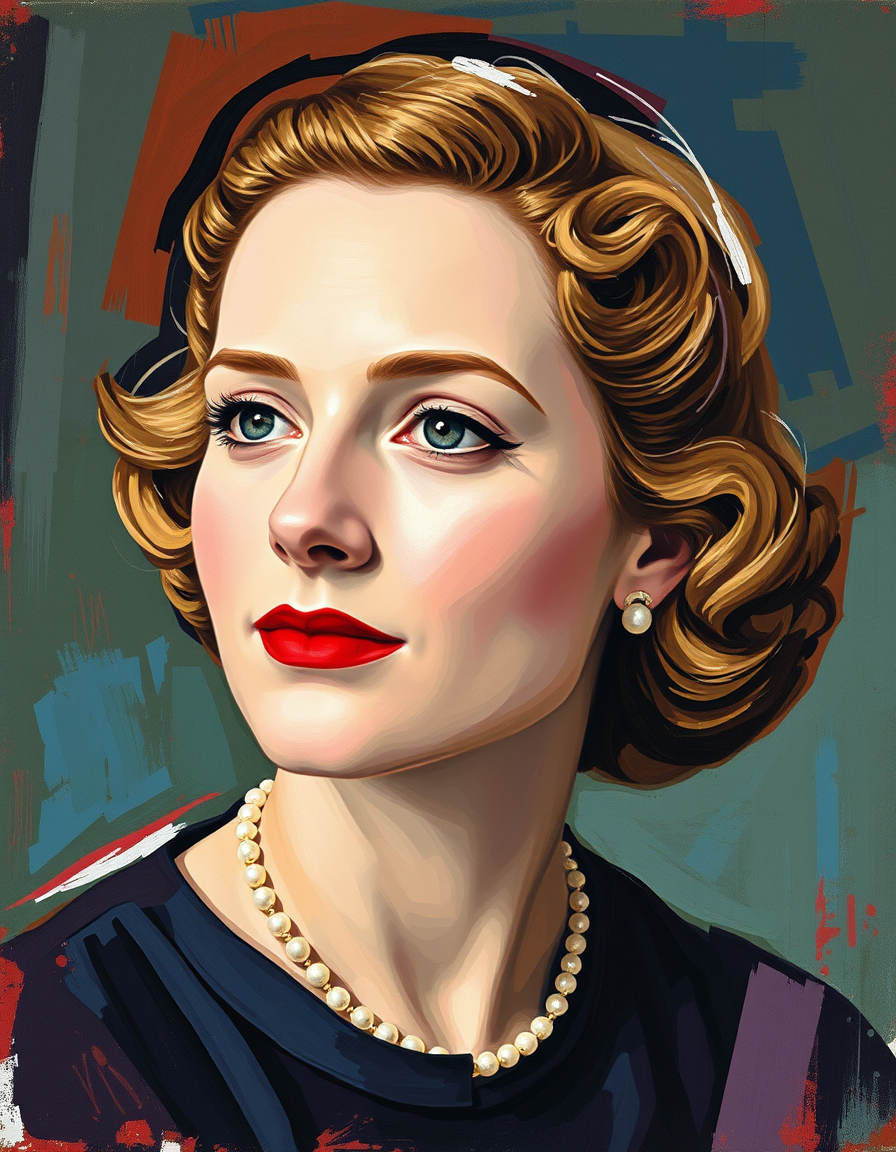
Photo to oil painting is most useful when the prompt describes a real visual decision instead of relying on a broad style label. The goal here is a photo repainted with layered color, directional strokes, and canvas texture. Name the desired stroke scale, paint thickness, palette, and lighting. Use restrained brushwork around faces and broader strokes in clothing and background. Start with one subject and one composition. Add the setting, lighting, palette, camera or viewing angle, and rendering finish only after the core idea is clear. That order makes it easier to see which instruction changed the result.
Common uses include formal portraits, landscape paintings, pet commissions. Useful starting prompts include “a formal couple portrait with thin skin glazes and a dark studio ground”; “a sunlit vineyard with broad plein-air strokes”; “a tabby cat portrait with fine facial strokes and thicker background paint”; “an old farmhouse at dusk in a muted realist palette”. Generate a first version, inspect silhouette, crop, hands, faces, small objects, edge quality, and empty space, then change one variable at a time. Repeating stable anchor traits is more reliable than rewriting the entire prompt between attempts. If exact typography, measurements, logos, grids, or brand assets matter, create the artwork here and finish those production details in a dedicated editor.
FreePainter works without signup or paid credits and new results download as watermark-free PNG files, subject to fair-use limits. The tool interprets rather than traces the photo; exact identity and small objects may change. Uploaded reference images are sent to the inference provider and are not stored on FreePainter's servers; prompt text and anonymous generation metadata may be retained for up to 90 days. The service is intended for personal and experimental use and does not grant a commercial license. Check likeness, copyright, trademark, privacy, print resolution, and third-party rights before publishing or selling a result.
Explore related generators for formal portraits, landscape paintings, pet commissions.
Turn portraits, landscapes, and pets into fine-art paintings free online — no signup, subject to fair-use limits, no watermark, right in your browser.
Create a photo interpreted with transparent pigment, paper grain, and controlled soft edges. Describe the subject, composition, palette, and finish; generate online with no signup or paid credits.
Create a source photo redrawn with visible physical brushwork. Describe the subject, composition, palette, and finish; generate online with no signup or paid credits.
Yes. No account or paid credits are required. Hourly per-IP fair-use limits apply.
Name the desired stroke scale, paint thickness, palette, and lighting. Use restrained brushwork around faces and broader strokes in clothing and background.
Yes. New results download as watermark-free PNG files. Save the file promptly because provider-hosted URLs can be temporary.
The tool interprets rather than traces the photo; exact identity and small objects may change.