



Medium-specific painting
Oil, watercolor, ink, pastel, charcoal, illustration, and woodblock prompts use distinct surface language—impasto, transparent wash, dry line, or powdery softness—not one generic filter.
Describe a subject or upload a photo for transparent washes, soft bleeds, and paper texture. No signup or paid credits; fair-use limits apply.
Generate the same person, pet, or character across unlimited images — without losing the face. Then turn it into a 4-second video.
Oil, watercolor, ink, pastel, charcoal, illustration, and woodblock prompts use distinct surface language—impasto, transparent wash, dry line, or powdery softness—not one generic filter.
Start from text or an uploaded image without creating an account, entering a card, or buying a credit pack. The painter runs directly in your browser.
The painter redraws the subject rather than applying a pixel-preserving filter. Brushwork can feel physical, but identity, small details, and composition may drift.
New paintings download as PNG files with no FreePainter watermark. Choose from six canvas shapes and upscale later when a large print needs more pixels.
The studio prohibits explicit sexual content, sexualized minors, non-consensual deepfakes, hate, and targeted harassment. Uploaded images must follow the same rules.
The free service allows 5 image generations per IP address each hour. Automated use and attempts to bypass the limit are prohibited.
Describe a simple subject or upload a clear JPG, PNG, or WebP image. Florals, food, pets, portraits, and light landscapes suit watercolor well.
Add transparent washes, wet-on-wet edges, pigment blooms, granulation, reserved white paper, or cold-press texture when you want tighter control.
Inspect edges, faces, and small details, then save the watermark-free PNG. Upscale and retouch before a large print.
Compare finished results with the prompts behind them, then bring one back here as your starting point.
Explore the collection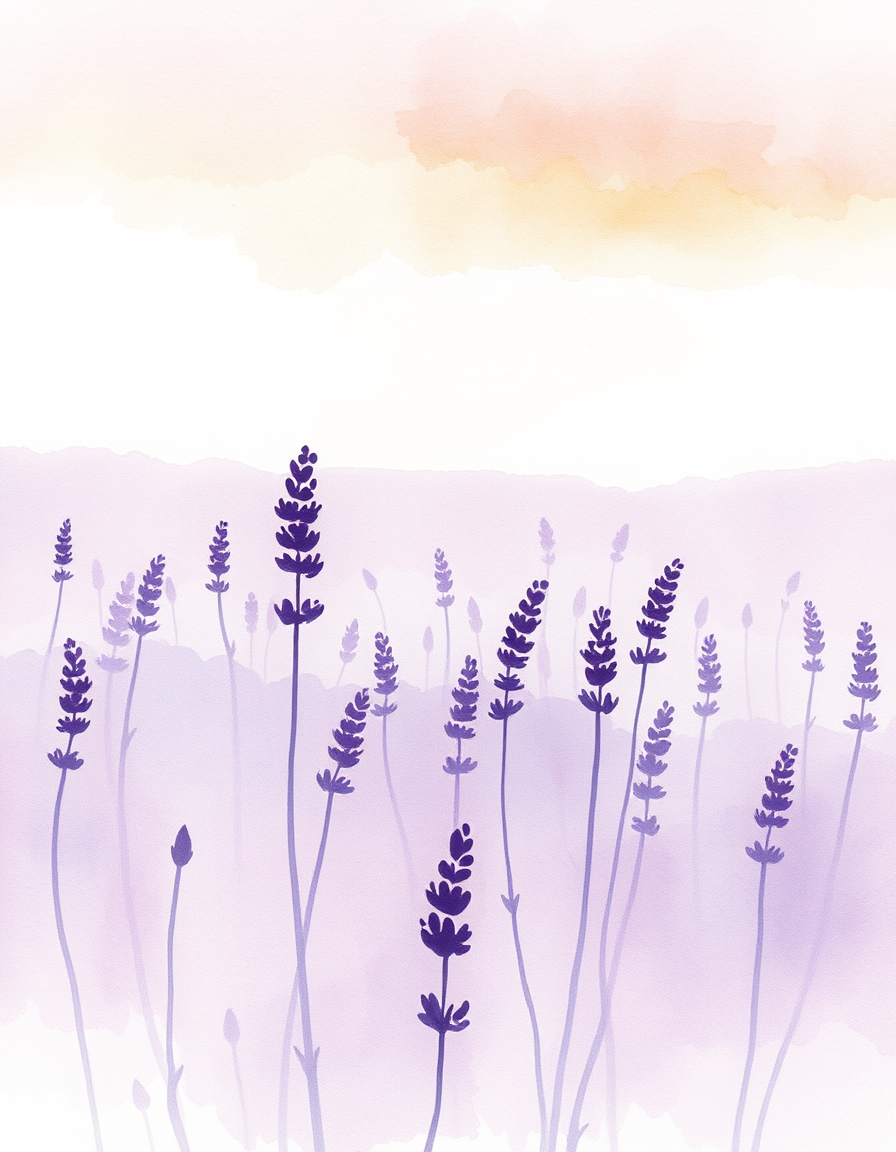
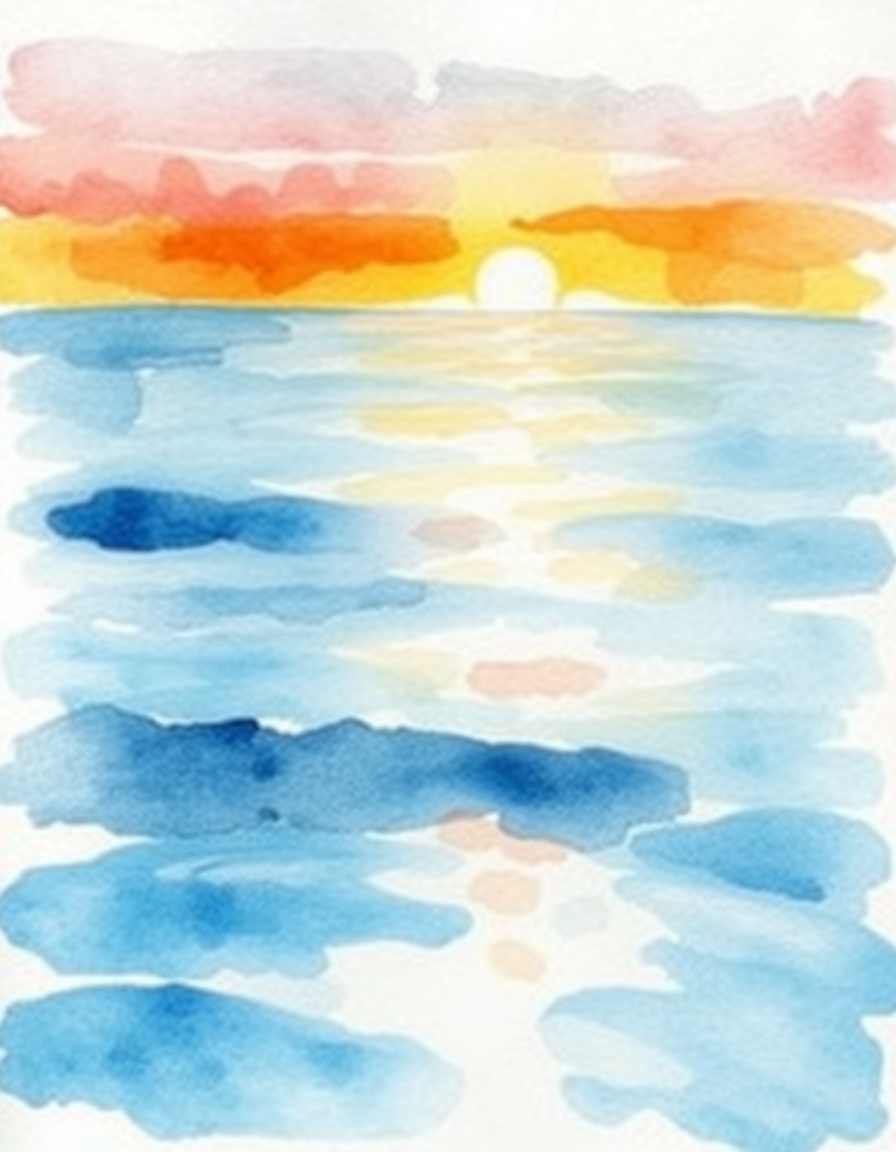
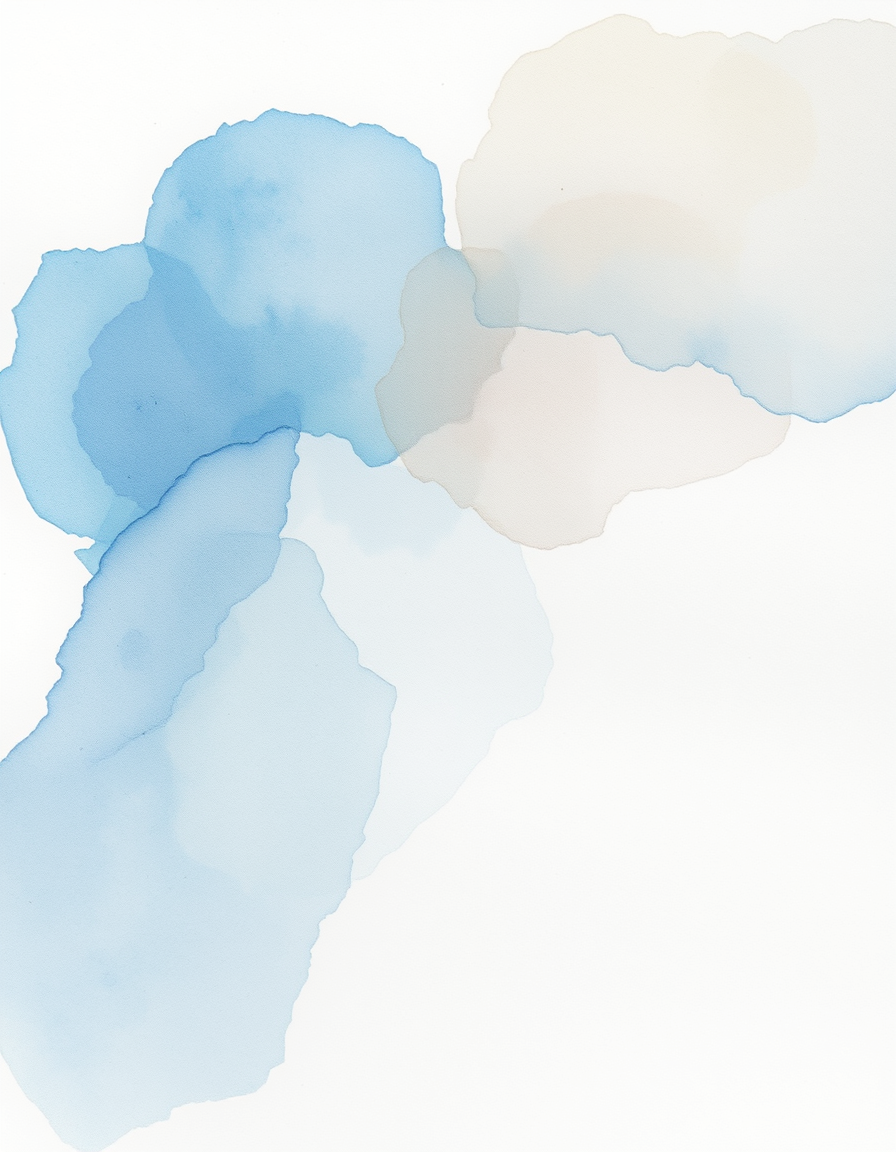
The FreePainter AI Watercolor Painter creates watercolor interpretations from a written subject or an uploaded JPG, PNG, or WebP photo. It is free without signup or paid credits, with a fair-use limit of 5 image generations per IP each hour. Watercolor works best when the prompt leaves room for light and paper: a single tulip in a glass jar, a small fishing boat in morning mist, a pet portrait with a pale wash behind it, or a loose market-street sketch. The tool already applies watercolor language, but physical details give you more control. Ask for transparent glazing when you want layered color, wet-on-wet bleeds for soft atmospheric edges, granulation for textured pigment, dry brush for broken marks, and cold-press paper for visible tooth. Mention “reserved white paper” or “unpainted white background” when you want breathing room, although a perfectly isolated white background is not guaranteed. Uploaded photos are generatively repainted rather than passed through a fixed filter, so faces, outlines, crop, and small objects can drift. Use one clear subject and simple lighting when likeness matters. New paintings download as watermark-free PNG; 4:5 at 896×1152 suits portraits and cards, 3:2 at 1152×768 suits landscapes, and 1:1 at 1024×1024 suits compact florals or food studies. These sizes are useful for screens and small prints, but large-format work should be inspected, retouched, and upscaled. FreePainter permits personal and experimental use only and does not grant a commercial license.
Yes. No account, credit card, or paid credits are required. Fair use allows 5 image generations per IP address each hour.
It generatively redraws the subject with washes, edges, and paper texture instead of recoloring the original pixels. That creates painterly variation but can also change details and composition.
Name the subject, light, palette, and paper behavior: “loose peonies, cool morning light, transparent washes, pigment blooms, cold-press paper.”
Florals, food, pets, travel sketches, light landscapes, and simple portraits suit translucent washes. Crowded scenes, tiny text, and precise technical geometry are less reliable.
Yes, upload a JPG, PNG, or WebP photo. The result is a generative repaint, so use one clear subject and expect some drift in faces, edges, and small objects.
Ask for “reserved white paper,” “unpainted white background,” or “minimal botanical study.” This improves the odds, but a perfectly transparent or pure-white background is not guaranteed.
New paintings are watermark-free PNG. Use 4:5 at 896×1152 for portraits or cards, 3:2 at 1152×768 for landscapes, and 1:1 at 1024×1024 for compact studies; upscale for large prints.
FreePainter permits personal and experimental use only and does not grant a commercial license. It makes no ownership claim, but you remain responsible for third-party and copyright rights.