



Medium-specific painting
Oil, watercolor, ink, pastel, charcoal, illustration, and woodblock prompts use distinct surface language—impasto, transparent wash, dry line, or powdery softness—not one generic filter.
Design custom party, wedding, or baby shower invitations free online — no signup, tries, straight in your browser within fair-use limits.
Generate the same person, pet, or character across unlimited images — without losing the face. Then turn it into a 4-second video.
Oil, watercolor, ink, pastel, charcoal, illustration, and woodblock prompts use distinct surface language—impasto, transparent wash, dry line, or powdery softness—not one generic filter.
Start from text or an uploaded image without creating an account, entering a card, or buying a credit pack. The painter runs directly in your browser.
The painter redraws the subject rather than applying a pixel-preserving filter. Brushwork can feel physical, but identity, small details, and composition may drift.
New paintings download as PNG files with no FreePainter watermark. Choose from six canvas shapes and upscale later when a large print needs more pixels.
The studio prohibits explicit sexual content, sexualized minors, non-consensual deepfakes, hate, and targeted harassment. Uploaded images must follow the same rules.
The free service allows 5 image generations per IP address each hour. Automated use and attempts to bypass the limit are prohibited.
Type the occasion, preferred colors, any wording style, and mood — the more detail the better.
FreePainter applies invitation-optimized framing and generates a printable design in seconds.
Adjust your description and regenerate until the design feels right — tries, no cost within fair-use limits.
Save the high-resolution PNG straight to your device — ready to print or share digitally.
Compare finished results with the prompts behind them, then bring one back here as your starting point.
Explore the collection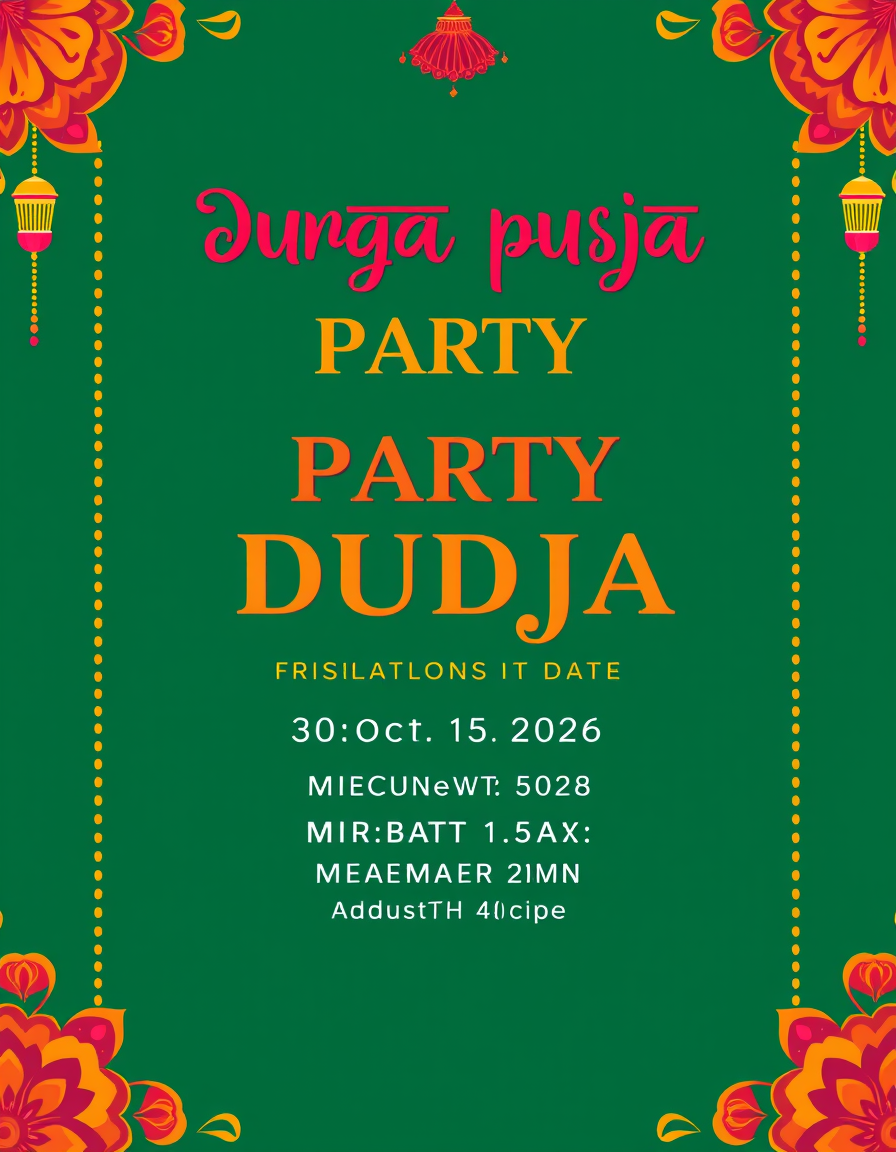
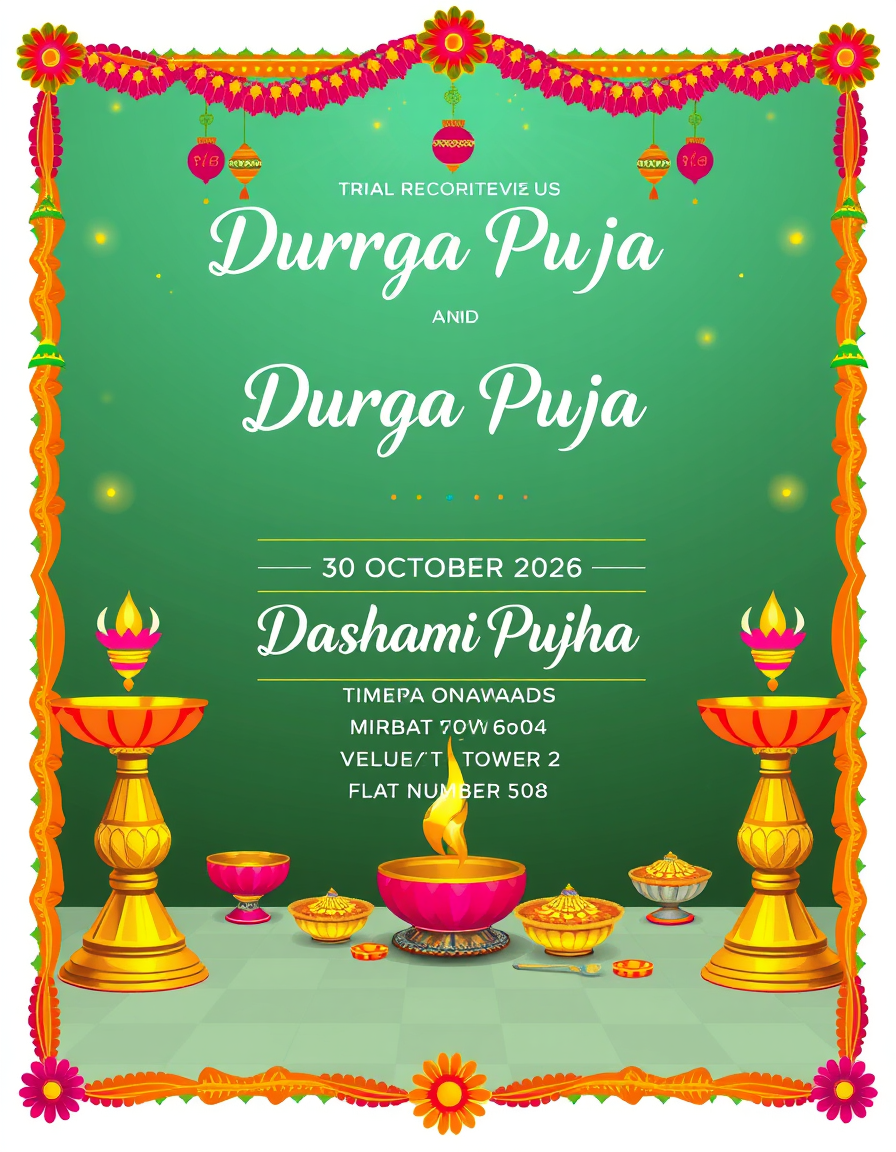
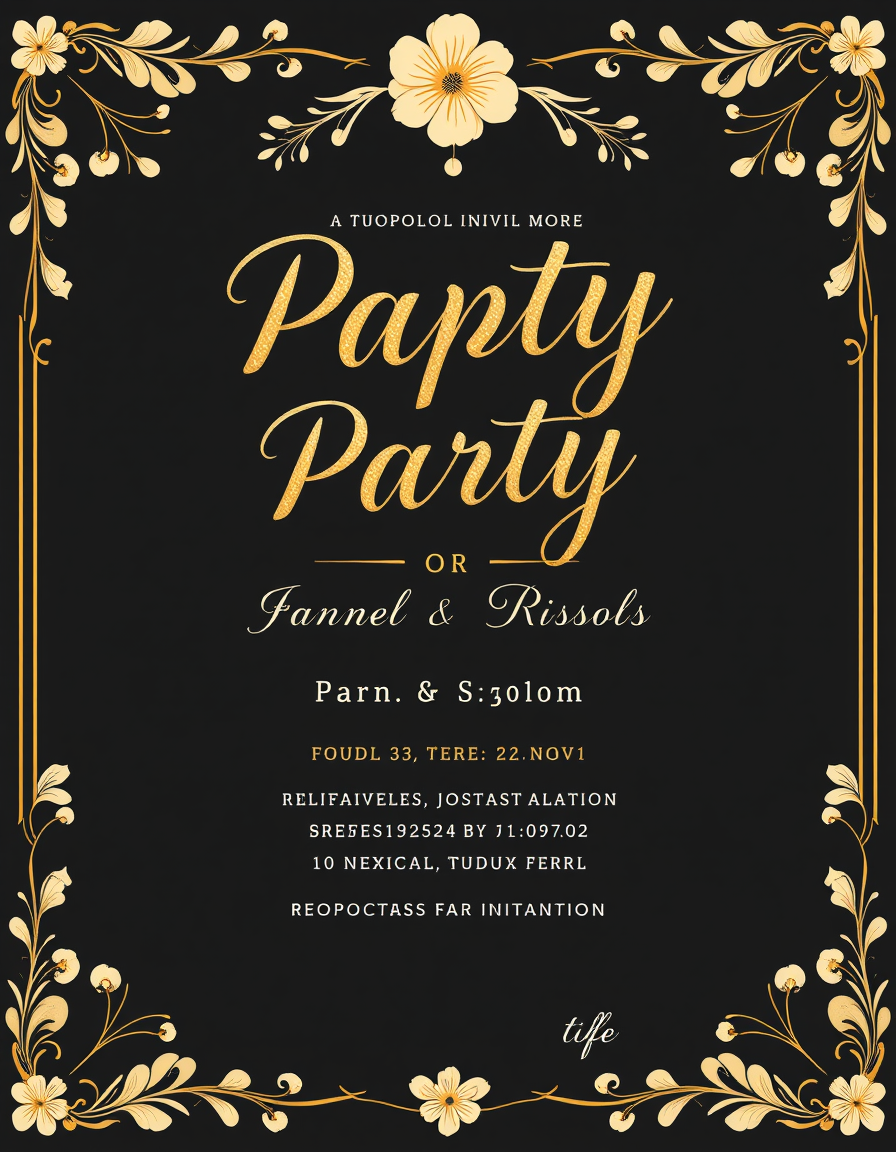
The FreePainter Invitation Maker is a free, no-signup tool that generates custom invitation artwork from a plain-text description. Whether you're planning a wedding, baby shower, birthday dinner, or holiday gathering, you type what you have in mind and the tool handles the visual design — no templates to fill in, no dragging elements around, no account required.
The output looks like a finished invitation design: decorative borders, calligraphic-style type, and illustrated motifs that match the occasion you described. It won't place your actual names or dates into the layout — that part is done in a word processor or print shop — but what you get is a polished design image you can use as a background, a proof-of-style reference, or a print-ready decorative piece paired with digital text overlay.
The tool works well for a wide range of occasions. For baby showers, prompts that describe soft watercolor florals with pastel ribbons tend to produce warm, delicate compositions. For weddings, gold-on-ivory with botanical linework is a reliable starting point. For children's parties, bright illustration styles with the character or theme named directly — 'dinosaur', 'mermaid', 'outer space' — guide the output toward playful and age-appropriate imagery. Holiday dinner invitations respond well to descriptions of wreaths, candles, and natural materials.
Every generation applies an invitation-framing prefix automatically: the tool anchors around a festive layout, decorative border, and space for event details, so you don't need to include those instructions yourself. Just describe the look and feel you're after.
For best results, aim for a square or portrait aspect ratio — standard invitation proportions (5×7 or A5) translate well. If you're producing something for digital sharing, a square crop works cleanly for social or messaging. The generated PNG is high-resolution and suitable for home printing or sending to a local print shop.
From greeting cards to room designs — all free, no signup.
No account, credit card, or paid credits are required. Fair use allows 5 image generations per IP address each hour.
Yes. The PNG is high-resolution and suitable for home printing or sending to a print shop. You can overlay your text in any design app.
The tool generates decorative invitation artwork; it doesn't insert custom text. Add names, dates, and details in a word processor, Canva, or your print shop's software.
Watercolor florals, illustrated botanicals, and hand-lettered styles come out especially well. Describe colors, motifs, and occasion for the most on-target result.
Yes — the download is a clean PNG with no watermark or branding.
Your prompts and generated images are not stored or associated with any account. Each session is ephemeral.