




Medium-specific painting
Oil, watercolor, ink, pastel, charcoal, illustration, and woodblock prompts use distinct surface language—impasto, transparent wash, dry line, or powdery softness—not one generic filter.
Add furniture and decor to any empty room with AI — free, no signup, renders within fair-use limits, no watermark, straight in your browser.
Generate the same person, pet, or character across unlimited images — without losing the face. Then turn it into a 4-second video.
Oil, watercolor, ink, pastel, charcoal, illustration, and woodblock prompts use distinct surface language—impasto, transparent wash, dry line, or powdery softness—not one generic filter.
Start from text or an uploaded image without creating an account, entering a card, or buying a credit pack. The painter runs directly in your browser.
The painter redraws the subject rather than applying a pixel-preserving filter. Brushwork can feel physical, but identity, small details, and composition may drift.
New paintings download as PNG files with no FreePainter watermark. Choose from six canvas shapes and upscale later when a large print needs more pixels.
The studio prohibits explicit sexual content, sexualized minors, non-consensual deepfakes, hate, and targeted harassment. Uploaded images must follow the same rules.
The free service allows 5 image generations per IP address each hour. Automated use and attempts to bypass the limit are prohibited.
Mention the room type, approximate size or layout, and the furniture style and palette you want staged into it.
FreePainter applies virtual-staging framing and generates a photorealistic image with tasteful furniture and decor added.
Swap from contemporary to traditional or change the palette — regenerate as many times as you need, free.
Save the high-resolution, watermark-free PNG for your listing, presentation, or client review.
Compare finished results with the prompts behind them, then bring one back here as your starting point.
Explore the collection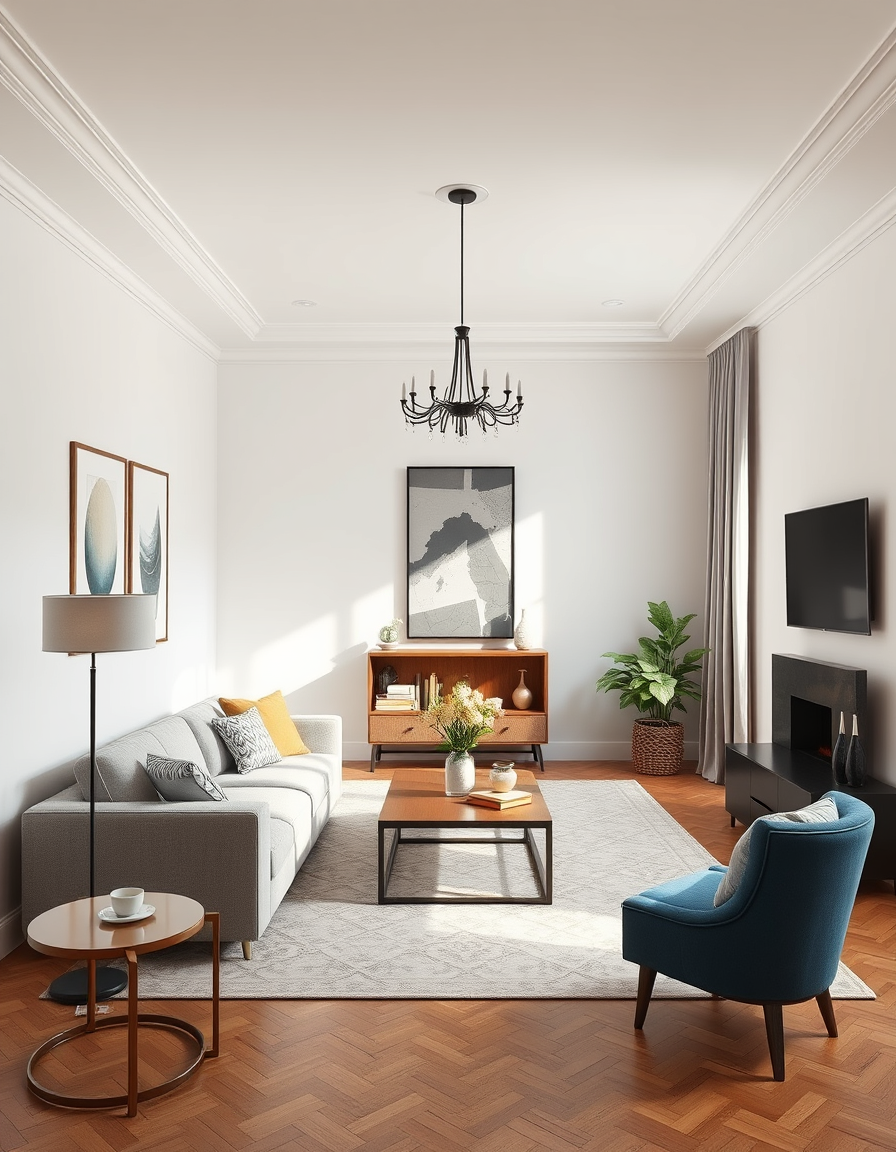
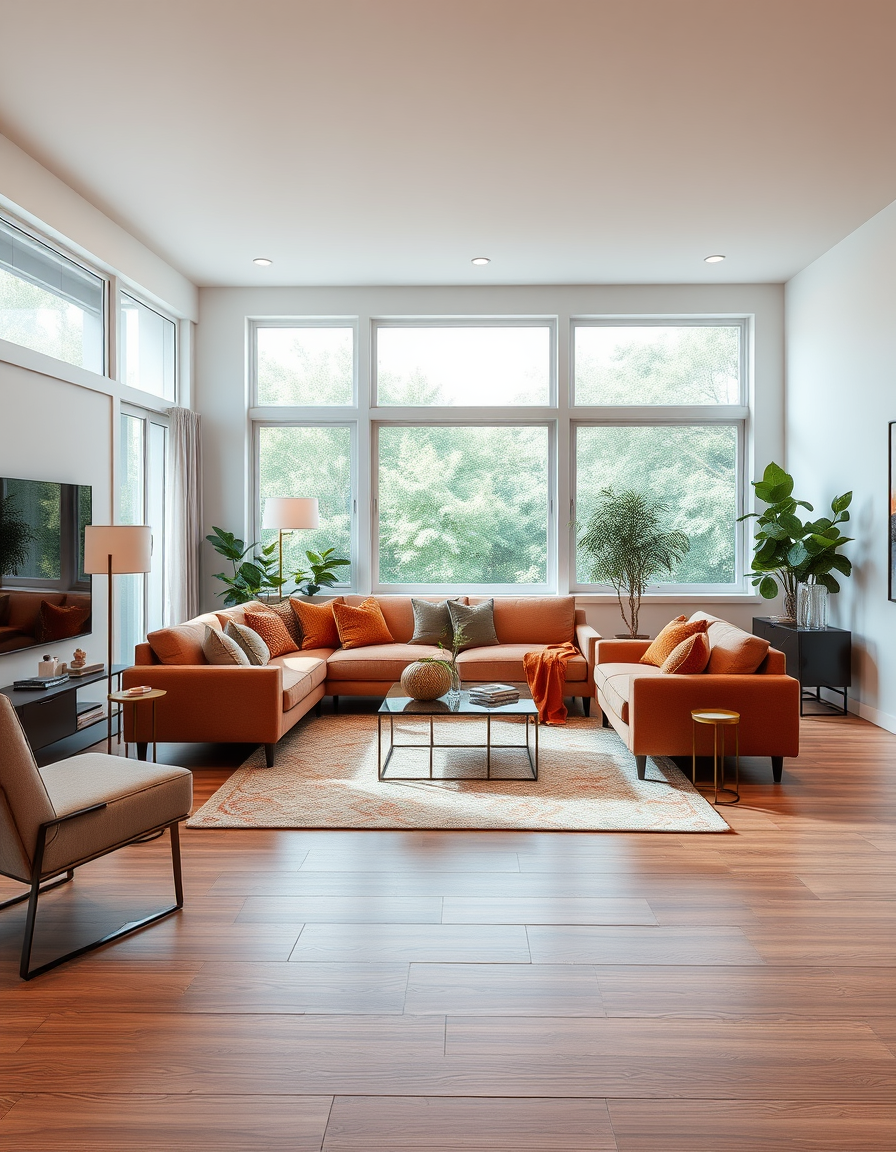
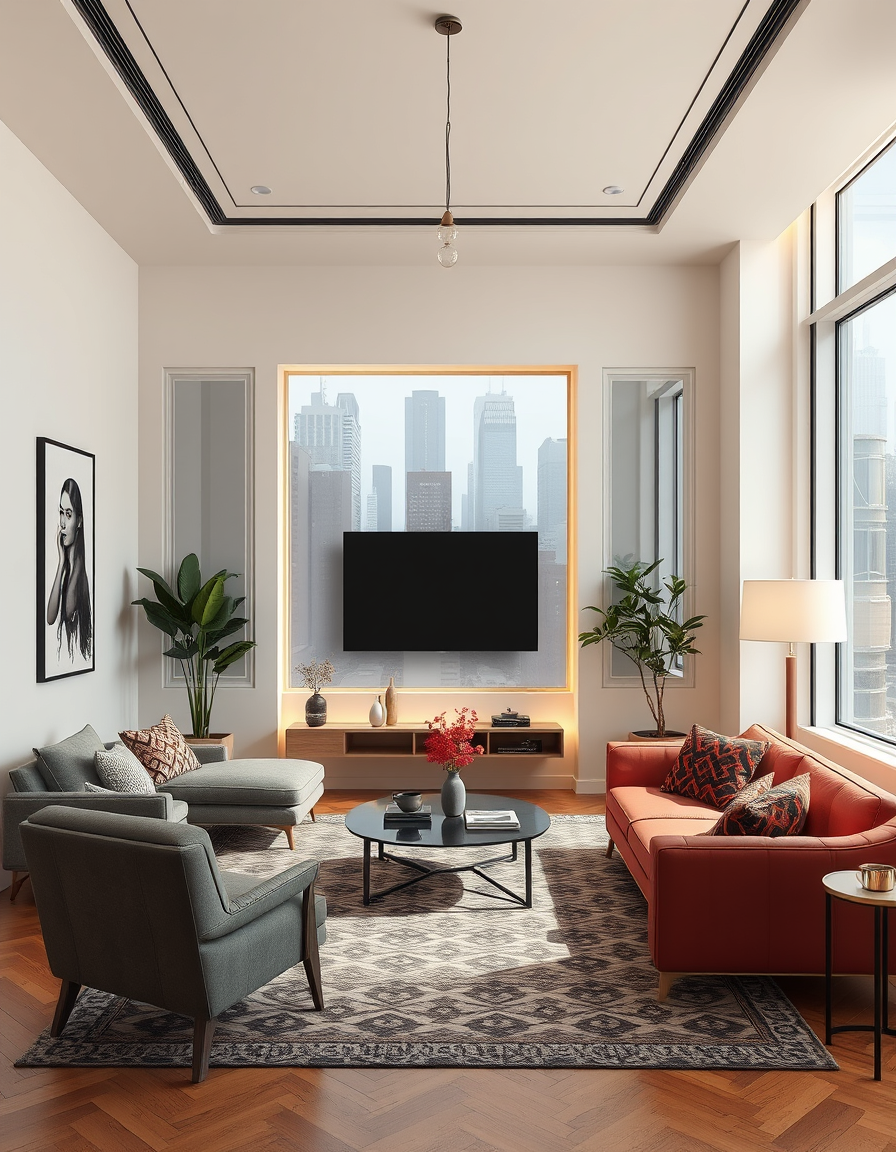
The FreePainter Virtual Staging tool generates photorealistic images of furnished rooms from a text description of an empty space — free, no signup, no watermark, and with fair-use limits apply on generations. It's built for real estate agents who need to stage listings without the cost of physical furniture, photographers working with vacant properties, and homeowners who want to visualize how a bare room could look furnished.
Physical staging can cost thousands of dollars per property and requires scheduling, transport, and removal. This tool produces staging-quality renders at no cost: furniture placed in a coherent arrangement, decor accessories styled on surfaces, rugs and lighting consistent with the room's character. The output is a single high-resolution image suitable for MLS listings, presentation decks, or marketing materials.
For living rooms, the sofa style, rug presence, and coffee table type are the three variables that most change the room's feel. Describing the light source — large windows on one side, recessed lighting throughout — helps the render feel grounded. For bedrooms, headboard profile and bedding color drive the most immediate visual impact. A prompt like 'an empty master bedroom staged with a slatted oak headboard, white linen duvet, and warm bedside lamps' gives the tool enough to produce a resolved result.
The tool handles multiple staging styles: contemporary, traditional, Scandinavian, coastal, farmhouse, transitional. Naming the style explicitly produces more consistent results than describing individual pieces without a unifying aesthetic.
Every generation applies a prefix that anchors the output to tasteful furniture placement and photorealistic rendering quality — so you don't need to specify 'photorealistic' or 'staged' in your prompt. Just describe the room and the look you want.
Landscape aspect ratios (16:9 or 3:2) best match the wide-angle room photography common in real estate listings. The PNG download is clean, full-resolution, and carries no watermark.
Room designs, interior visualizations, and more — all free, no signup.
Visualize a complete interior — furniture, decor, and lighting — free online, no signup, renders within fair-use limits, straight in your browser.
Visualize your dream living room with AI — free, no signup, renders within fair-use limits. Describe your layout, furniture, and style and see a photorealistic interior in seconds, right in your browser.
No account, credit card, or paid credits are required. Fair use allows 5 image generations per IP address each hour.
Yes. The high-resolution PNG is suitable for MLS listings, marketing materials, and client presentations. Many markets require disclosure that images are virtually staged.
This tool generates staging visualizations from text descriptions. Describe the room dimensions, layout, and preferred furniture style to get a staged render.
Contemporary, Scandinavian, coastal, farmhouse, transitional, and traditional all produce strong results. Name the style in your prompt for most consistent output.
Yes — the PNG has no watermark or FreePainter branding.
subject to fair-use limits — try as many variations of style, palette, or furniture as you need at no cost.