




Medium-specific painting
Oil, watercolor, ink, pastel, charcoal, illustration, and woodblock prompts use distinct surface language—impasto, transparent wash, dry line, or powdery softness—not one generic filter.
Visualize a complete interior — furniture, decor, and lighting — free online, no signup, renders within fair-use limits, straight in your browser.
Generate the same person, pet, or character across unlimited images — without losing the face. Then turn it into a 4-second video.
Oil, watercolor, ink, pastel, charcoal, illustration, and woodblock prompts use distinct surface language—impasto, transparent wash, dry line, or powdery softness—not one generic filter.
Start from text or an uploaded image without creating an account, entering a card, or buying a credit pack. The painter runs directly in your browser.
The painter redraws the subject rather than applying a pixel-preserving filter. Brushwork can feel physical, but identity, small details, and composition may drift.
New paintings download as PNG files with no FreePainter watermark. Choose from six canvas shapes and upscale later when a large print needs more pixels.
The studio prohibits explicit sexual content, sexualized minors, non-consensual deepfakes, hate, and targeted harassment. Uploaded images must follow the same rules.
The free service allows 5 image generations per IP address each hour. Automated use and attempts to bypass the limit are prohibited.
Name the room, style direction, key furniture pieces, color palette, and lighting mood you have in mind.
FreePainter applies interior-design framing and renders a cohesive, photorealistic room image in seconds.
Adjust style, materials, or mood and regenerate — variations within fair-use limits at no cost.
Download the clean, high-resolution PNG to use as a mood board or share with a designer or contractor.
Compare finished results with the prompts behind them, then bring one back here as your starting point.
Explore the collection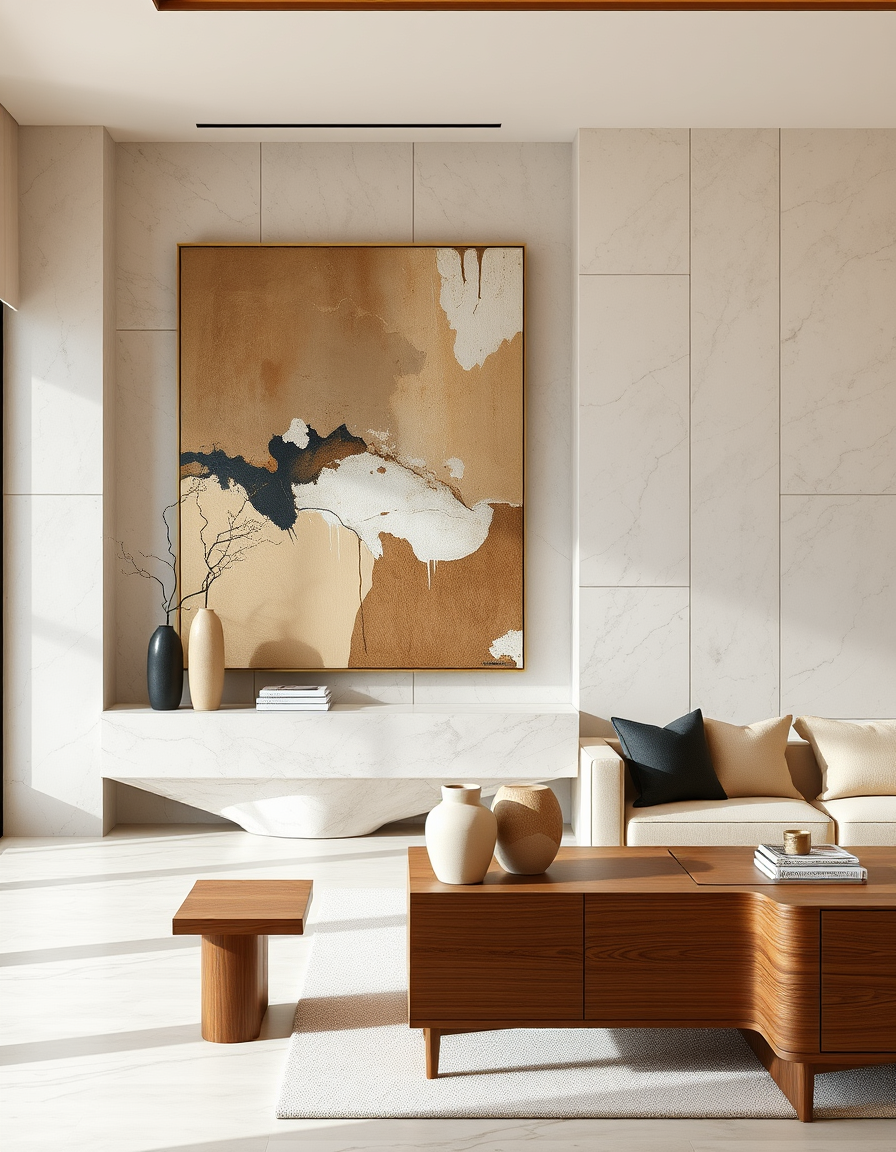
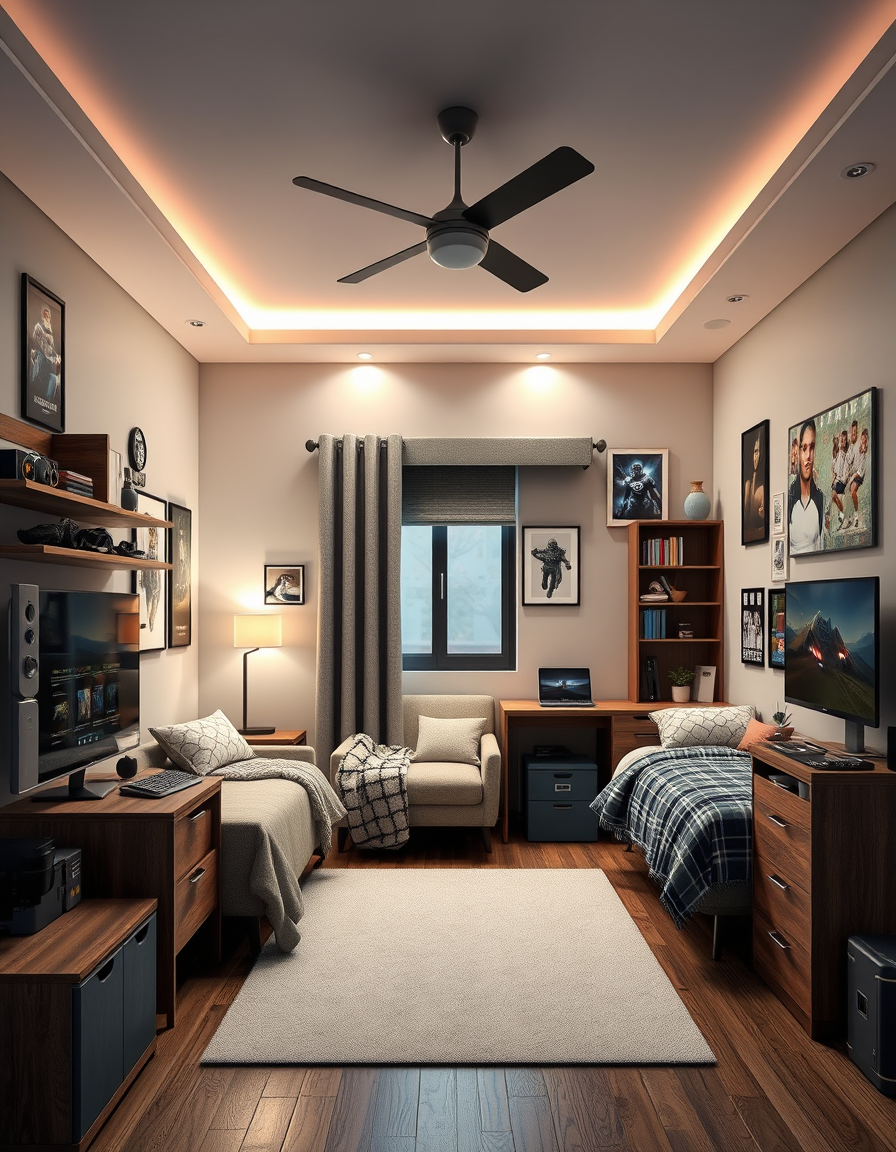
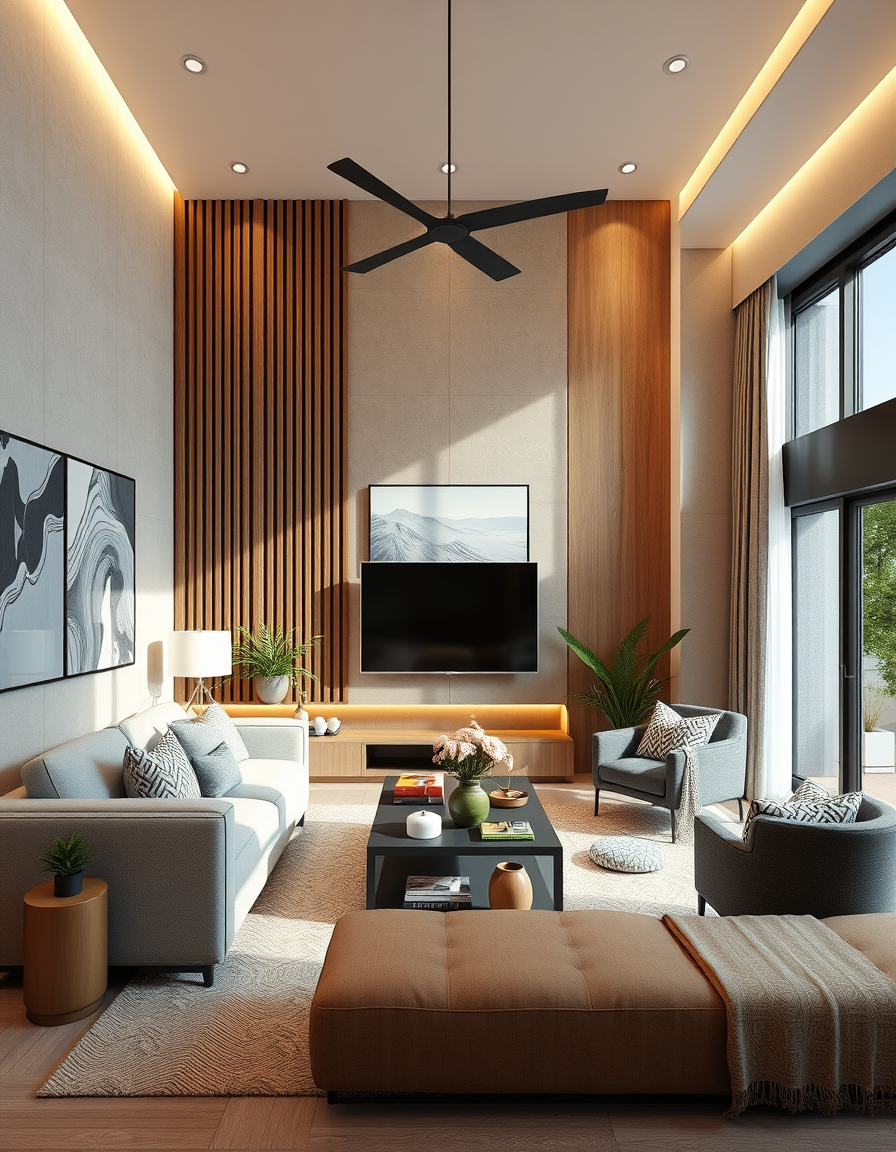
The FreePainter AI Interior Design tool turns a plain-text room description into a photorealistic interior visualization — free, no signup, no watermark, and with fair-use limits apply on how many you generate. It's built for homeowners weighing a renovation, renters imagining a new arrangement, and designers who need fast concept imagery to share with clients.
The renders show a complete room: furniture arranged in a coherent layout, decorative objects in proportion, and lighting consistent with the scene's mood. You won't get a CAD-accurate floor plan, but you will get a compelling, high-fidelity image that communicates style direction, palette, and atmosphere far better than a text description alone.
The tool handles a wide range of interior styles. Japandi — the clean-lined hybrid of Japanese and Scandinavian sensibilities — produces especially calm, well-resolved renders: low furniture, natural materials, filtered light. Art Deco interiors with jewel tones, geometric motifs, and brass hardware come out with appropriate richness. Coastal and farmhouse styles benefit from describing materials explicitly — whitewashed wood, linen upholstery, shiplap walls — rather than relying on the label alone.
For bedrooms, headboard style, bedding color, and bedside lighting are the three most impactful descriptors. For living rooms, the sofa anchor (fabric, color, profile) and the dominant light source drive the most variation. For dining rooms, the table material and the overhead fixture together set the room's character.
Every generation automatically applies a prefix that locks in a cohesive furniture layout, decor, and photorealistic rendering quality — so you don't need to write that into your prompt. Just describe the look and feel, and the tool handles the rest.
Landscape orientation (16:9) best mimics a room photograph's natural perspective. Portrait crops work for focused vignettes — a window corner, a styled shelf, a bedside arrangement. All downloads are full-resolution PNGs, clean and watermark-free.
Kitchens, bedrooms, room redesigns — all free, no signup.
Visualize your dream living room with AI — free, no signup, renders within fair-use limits. Describe your layout, furniture, and style and see a photorealistic interior in seconds, right in your browser.
Visualize your perfect bedroom with AI — free, no signup, renders within fair-use limits. Describe your bed, lighting, and style and see a photorealistic interior in seconds, right in your browser.
No account, credit card, or paid credits are required. Fair use allows 5 image generations per IP address each hour.
It handles named styles (Japandi, Art Deco, coastal, farmhouse, industrial, mid-century modern) as well as custom palettes described in plain language.
Yes — the high-resolution PNGs are well-suited for mood boards, client presentations, and shopping references.
The tool generates stylistically accurate renders, not scale plans. Think of it as concept art for your interior, not a measured drawing.
Yes — the PNG you download has no watermark or FreePainter branding.
Yes — describe any room type and the tool will render it. Dedicated kitchen and bathroom tools on FreePainter apply room-specific framing automatically.