




Medium-specific painting
Oil, watercolor, ink, pastel, charcoal, illustration, and woodblock prompts use distinct surface language—impasto, transparent wash, dry line, or powdery softness—not one generic filter.
Visualize a new room layout, furniture, and lighting free online — no signup, renders within fair-use limits, straight in your browser.
Generate the same person, pet, or character across unlimited images — without losing the face. Then turn it into a 4-second video.
Oil, watercolor, ink, pastel, charcoal, illustration, and woodblock prompts use distinct surface language—impasto, transparent wash, dry line, or powdery softness—not one generic filter.
Start from text or an uploaded image without creating an account, entering a card, or buying a credit pack. The painter runs directly in your browser.
The painter redraws the subject rather than applying a pixel-preserving filter. Brushwork can feel physical, but identity, small details, and composition may drift.
New paintings download as PNG files with no FreePainter watermark. Choose from six canvas shapes and upscale later when a large print needs more pixels.
The studio prohibits explicit sexual content, sexualized minors, non-consensual deepfakes, hate, and targeted harassment. Uploaded images must follow the same rules.
The free service allows 5 image generations per IP address each hour. Automated use and attempts to bypass the limit are prohibited.
Mention the room type, style, furniture pieces, color palette, and any specific details like lighting or materials.
FreePainter applies interior-render framing and produces a photorealistic room visualization in seconds.
Change the style, swap furniture, or try a different color scheme — regenerations at no cost within fair-use limits.
Save the high-resolution PNG to use as a reference for shopping, renovating, or sharing with a contractor.
Compare finished results with the prompts behind them, then bring one back here as your starting point.
Explore the collection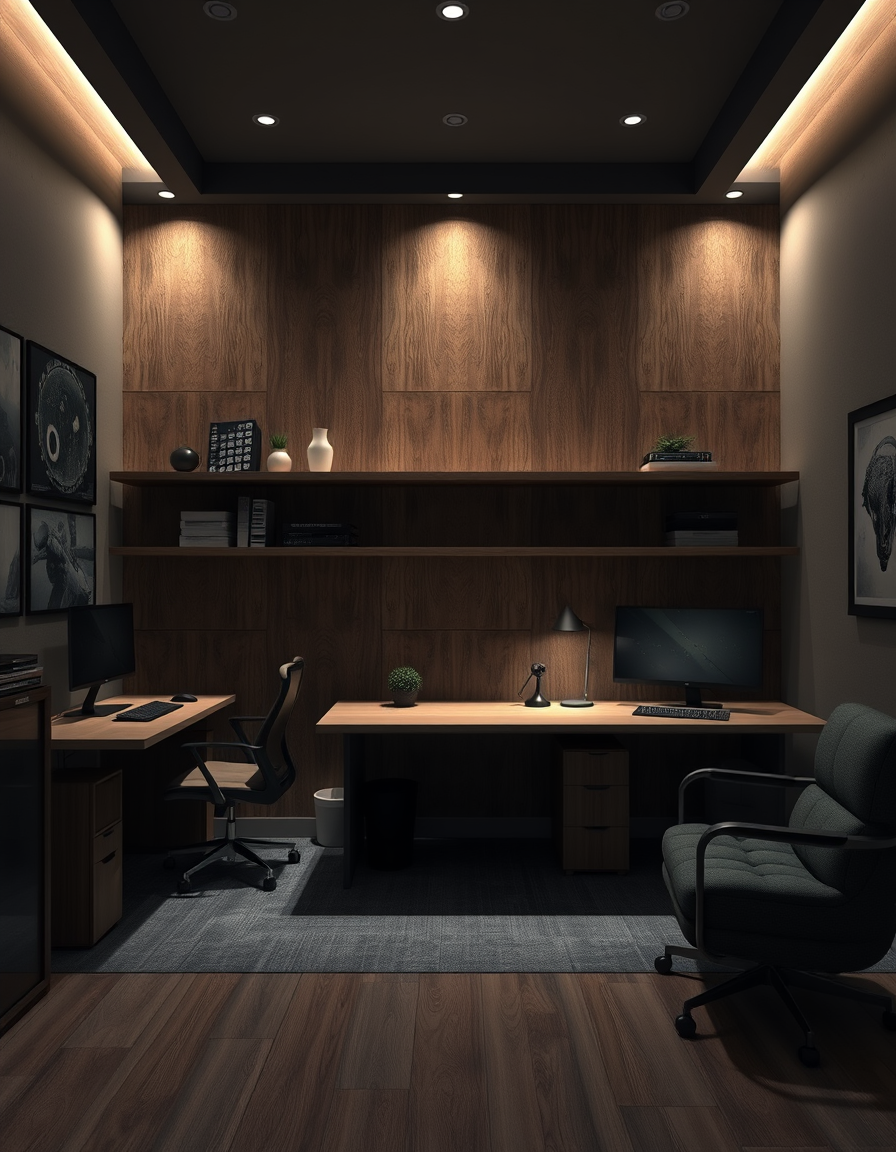
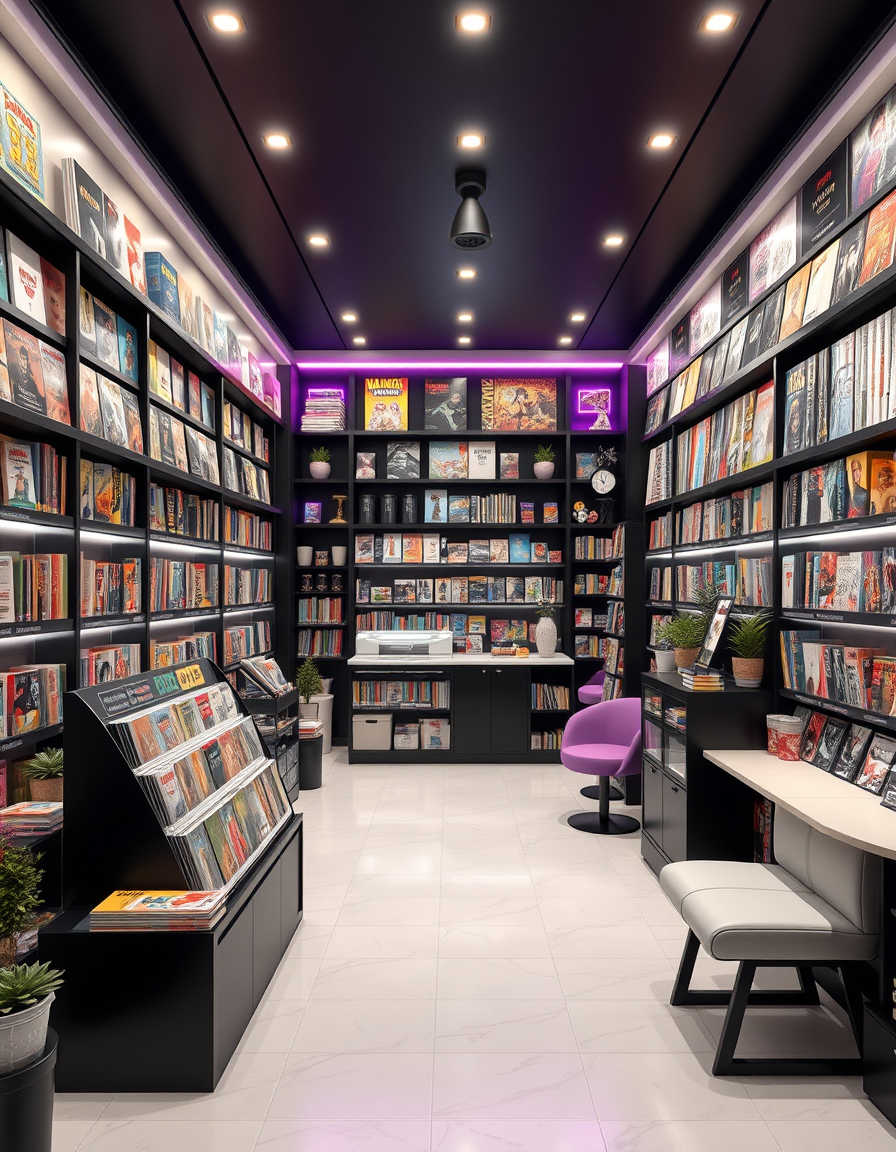
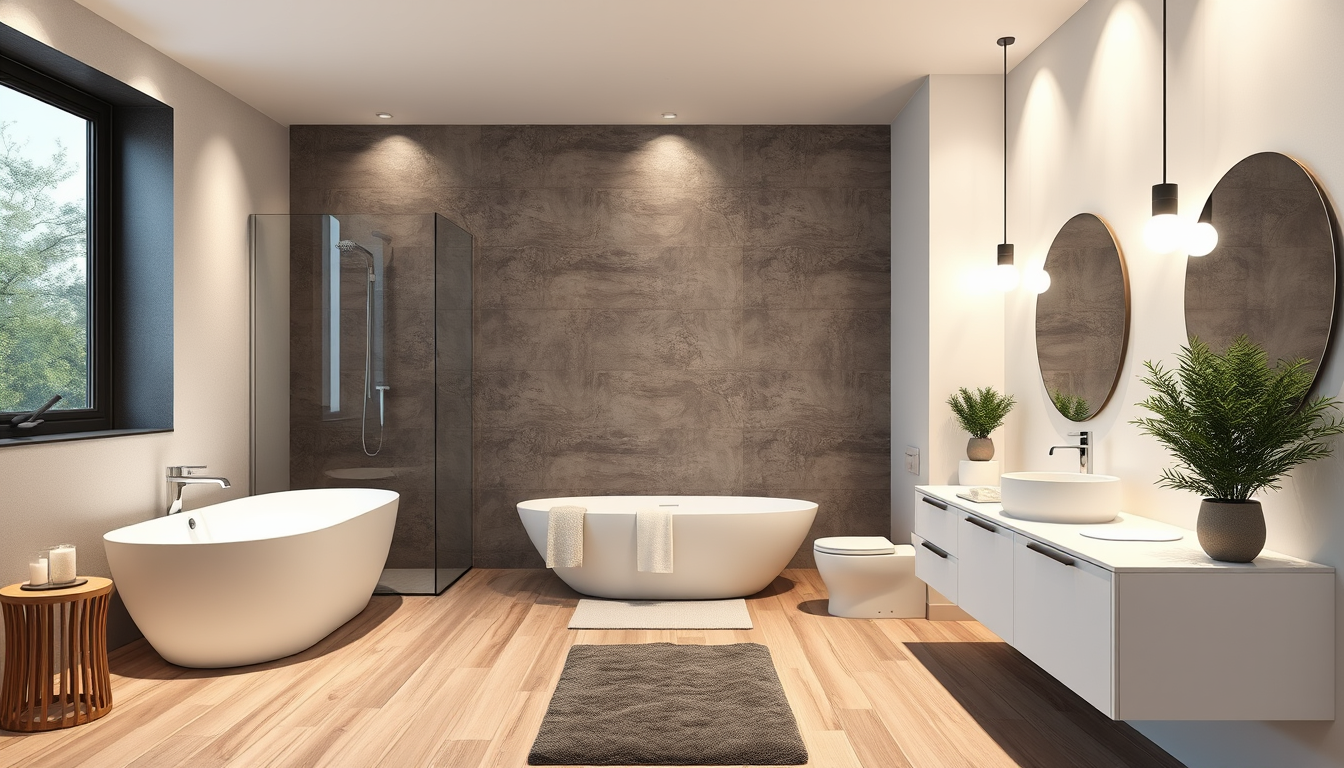
The FreePainter AI Room Design tool generates photorealistic interior visualizations from a text description — no account, no software, no watermark. Homeowners planning a refresh, renters imagining a new arrangement, or anyone who wants to see a furniture or color idea made concrete can type a description and get a room render in seconds.
The output is a photorealistic interior image: furniture placed in a coherent layout, lighting consistent with the scene, materials with plausible texture and depth. It won't perfectly replicate your existing floor plan, but it is an excellent tool for exploring styles and palettes before committing to purchases or paint colors.
For living rooms, prompts that describe the sofa style, dominant color, and light source tend to produce the most resolved results. 'A Scandinavian living room with oak side tables, a light gray linen sofa, and a large window on the left' gives the tool enough to work with. For bedrooms, specifying the headboard style, bedding color, and whether the room is bright or moody goes a long way. The tool responds well to style labels — Japandi, Art Deco, coastal, industrial, farmhouse — and to material specifics like 'herringbone oak floor' or 'exposed brick wall'.
Every generation applies a room-design prefix that anchors the output to a full room layout with furniture and lighting at a photorealistic rendering quality. You don't need to include those instructions — just describe the look you want.
A landscape (16:9 or 4:3) aspect ratio works best for room renders, mimicking the natural perspective of a room photograph. Square crops can work for corner vignettes or detail shots. The downloaded PNG is full-resolution and prints cleanly as a mood-board reference or sharing with an interior designer or contractor.
Visualize kitchens, bedrooms, and full interiors — all free, no signup.
Visualize a complete interior — furniture, decor, and lighting — free online, no signup, renders within fair-use limits, straight in your browser.
Visualize your dream living room with AI — free, no signup, renders within fair-use limits. Describe your layout, furniture, and style and see a photorealistic interior in seconds, right in your browser.
Visualize your perfect bedroom with AI — free, no signup, renders within fair-use limits. Describe your bed, lighting, and style and see a photorealistic interior in seconds, right in your browser.
No account, credit card, or paid credits are required. Fair use allows 5 image generations per IP address each hour.
The tool generates room visualizations from text prompts. For photo-based room editing, describe your existing room's layout and the changes you want to see.
Named styles like Scandinavian, mid-century modern, Japandi, and Art Deco produce consistent results. Material and color specifics sharpen the output further.
Yes — the PNG download is clean, no watermark or branding.
It's a strong mood-board reference showing style direction, furniture placement, and palette. A professional designer would use it as a starting point, not a technical drawing.
No — prompts and generated images are not stored or linked to any account. Each session is ephemeral.