




Medium-specific painting
Oil, watercolor, ink, pastel, charcoal, illustration, and woodblock prompts use distinct surface language—impasto, transparent wash, dry line, or powdery softness—not one generic filter.
Preview any wall color in your room free online — no signup, renders within fair-use limits, no watermark, straight in your browser.
Generate the same person, pet, or character across unlimited images — without losing the face. Then turn it into a 4-second video.
Oil, watercolor, ink, pastel, charcoal, illustration, and woodblock prompts use distinct surface language—impasto, transparent wash, dry line, or powdery softness—not one generic filter.
Start from text or an uploaded image without creating an account, entering a card, or buying a credit pack. The painter runs directly in your browser.
The painter redraws the subject rather than applying a pixel-preserving filter. Brushwork can feel physical, but identity, small details, and composition may drift.
New paintings download as PNG files with no FreePainter watermark. Choose from six canvas shapes and upscale later when a large print needs more pixels.
The studio prohibits explicit sexual content, sexualized minors, non-consensual deepfakes, hate, and targeted harassment. Uploaded images must follow the same rules.
The free service allows 5 image generations per IP address each hour. Automated use and attempts to bypass the limit are prohibited.
Name the room type, the wall color you want to try, finish (matte, eggshell, satin), and any accent details like trim color.
FreePainter applies paint-render framing and produces a photorealistic preview of the room with the new wall color.
Test as many colors and finishes as you like — regenerations at no cost within fair-use limits.
Save the high-resolution PNG to compare options side by side or share with your painter or partner.
Compare finished results with the prompts behind them, then bring one back here as your starting point.
Explore the collection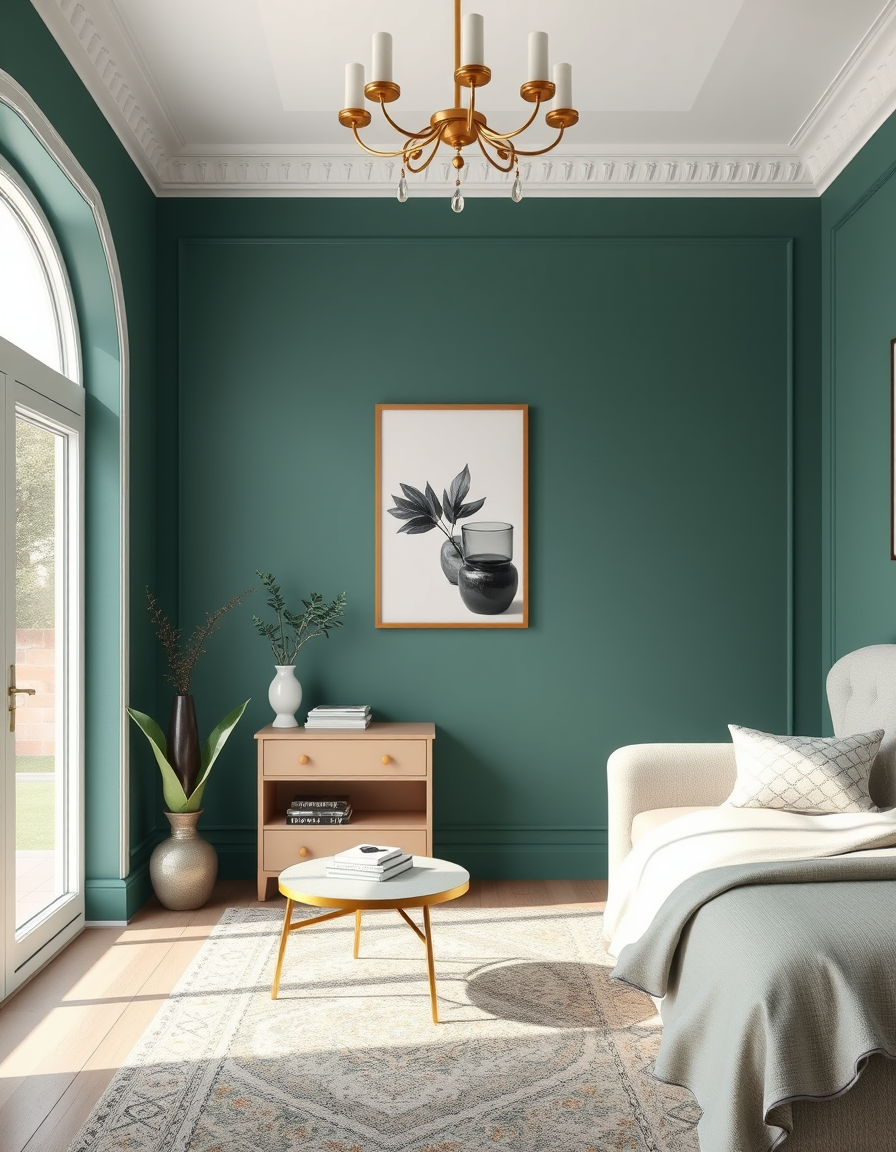
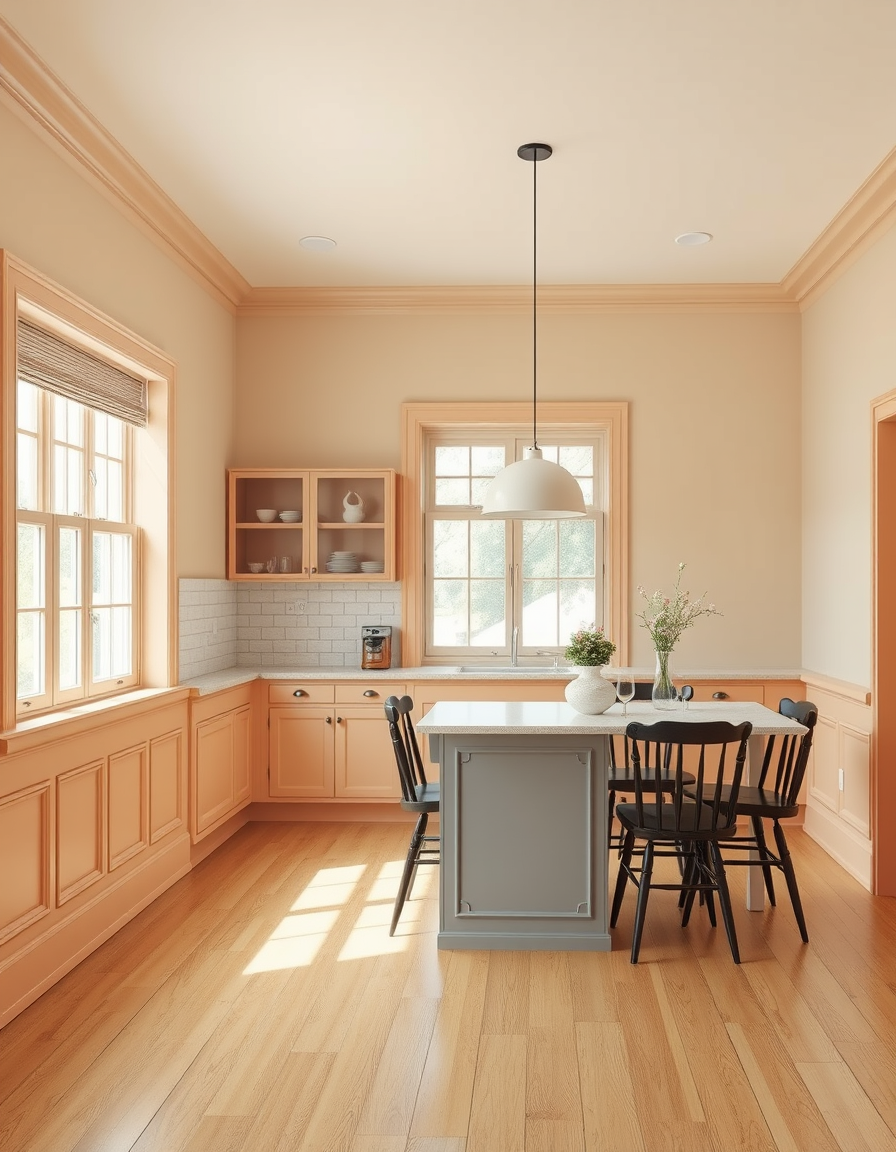
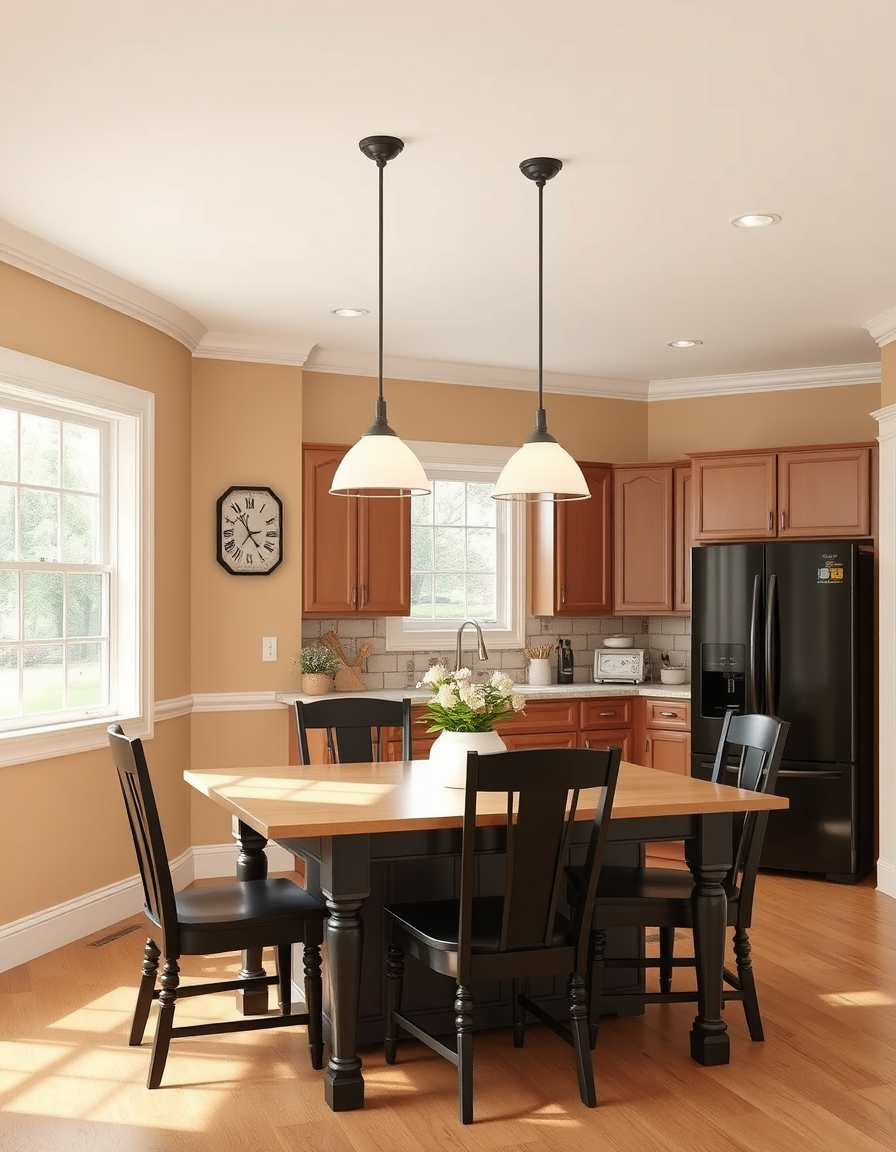
The FreePainter Paint Color Visualizer generates photorealistic room images with new wall colors applied — free, no signup, no watermark, and with regenerations within fair-use limits. Choosing paint colors from a small chip under store lighting is one of the most notoriously unreliable ways to make a decorating decision. This tool lets you describe your room and the color you're considering and see it rendered in a full-room context before you commit to a gallon.
The output accurately represents how a paint color reads in context: affected by the room's lighting, the furniture's tones, and the finish you specify. A matte sage green sits differently than the same green in a satin finish. A deep charcoal in a north-facing room with limited windows reads quite differently than the same color in a sun-filled space. Describing the room's lighting — large south-facing windows, recessed ceiling lights, a single lamp — helps the render reflect your actual conditions.
For living rooms, naming both the wall color and the trim color (typically white or cream) grounds the render in a realistic decorating context. For bedrooms, specifying the finish — eggshell is the most common bedroom choice — and the primary furniture color helps the tool show how the wall and furniture interact. For kitchens, the combination of wall color, cabinetry color, and countertop material in the prompt produces the most useful preview.
The tool works especially well for exploring color families before narrowing to specific shades. Try 'sage green' to understand the family, then get more specific — 'muted gray-green with a slightly warm undertone' — as you narrow down. Color names from paint brands (Benjamin Moore Hale Navy, Sherwin-Williams Alabaster) can be included in prompts and often guide the output toward the right hue family.
Any aspect ratio works. Landscape (16:9 or 4:3) is most natural for room photography. The PNG downloads clean and full-resolution — useful for side-by-side comparison or sharing with a painter for a quote discussion.
Room design, virtual staging, and interior visualization — all free, no signup.
Visualize a complete interior — furniture, decor, and lighting — free online, no signup, renders within fair-use limits, straight in your browser.
Visualize your dream living room with AI — free, no signup, renders within fair-use limits. Describe your layout, furniture, and style and see a photorealistic interior in seconds, right in your browser.
Visualize your perfect bedroom with AI — free, no signup, renders within fair-use limits. Describe your bed, lighting, and style and see a photorealistic interior in seconds, right in your browser.
No account, credit card, or paid credits are required. Fair use allows 5 image generations per IP address each hour.
You can include brand color names in your prompt (e.g. 'Hale Navy' or 'Alabaster') and the tool will render the closest matching hue. Results approximate the color family well.
This tool generates visualizations from text descriptions. Describe your room's layout, lighting, and furniture alongside the new wall color you want to see.
Matte, eggshell, satin, and semi-gloss all produce distinct results. Specifying the finish in your prompt gives a more realistic render.
Yes — the PNG has no watermark or FreePainter branding.
The tool produces a strong directional preview — the right color family, value, and warmth. It is not a calibrated color-matching tool, so treat it as a decision aid, not a guarantee.