




Medium-specific painting
Oil, watercolor, ink, pastel, charcoal, illustration, and woodblock prompts use distinct surface language—impasto, transparent wash, dry line, or powdery softness—not one generic filter.
Visualize your dream kitchen — cabinetry, countertops, and lighting — free online, no signup, renders within fair-use limits, no watermark.
Generate the same person, pet, or character across unlimited images — without losing the face. Then turn it into a 4-second video.
Oil, watercolor, ink, pastel, charcoal, illustration, and woodblock prompts use distinct surface language—impasto, transparent wash, dry line, or powdery softness—not one generic filter.
Start from text or an uploaded image without creating an account, entering a card, or buying a credit pack. The painter runs directly in your browser.
The painter redraws the subject rather than applying a pixel-preserving filter. Brushwork can feel physical, but identity, small details, and composition may drift.
New paintings download as PNG files with no FreePainter watermark. Choose from six canvas shapes and upscale later when a large print needs more pixels.
The studio prohibits explicit sexual content, sexualized minors, non-consensual deepfakes, hate, and targeted harassment. Uploaded images must follow the same rules.
The free service allows 5 image generations per IP address each hour. Automated use and attempts to bypass the limit are prohibited.
Name the cabinet style, door profile, countertop material, backsplash, hardware finish, and any layout details like an island or open shelving.
FreePainter applies kitchen-design framing and produces a photorealistic render of your kitchen in seconds.
Try a different cabinet color, countertop material, or hardware finish — regenerations at no cost within fair-use limits.
Download the high-resolution, watermark-free PNG to use as a reference for contractors, suppliers, or renovation planning.
Compare finished results with the prompts behind them, then bring one back here as your starting point.
Explore the collection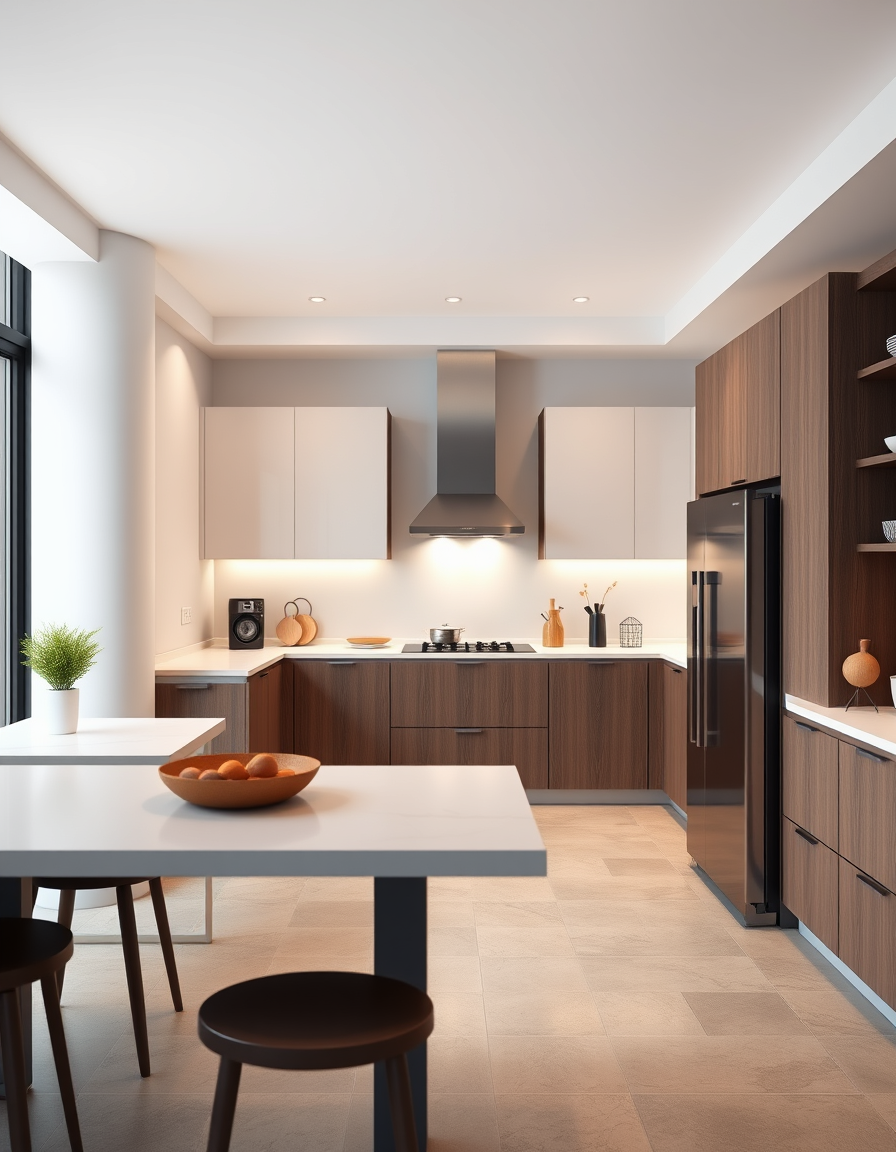
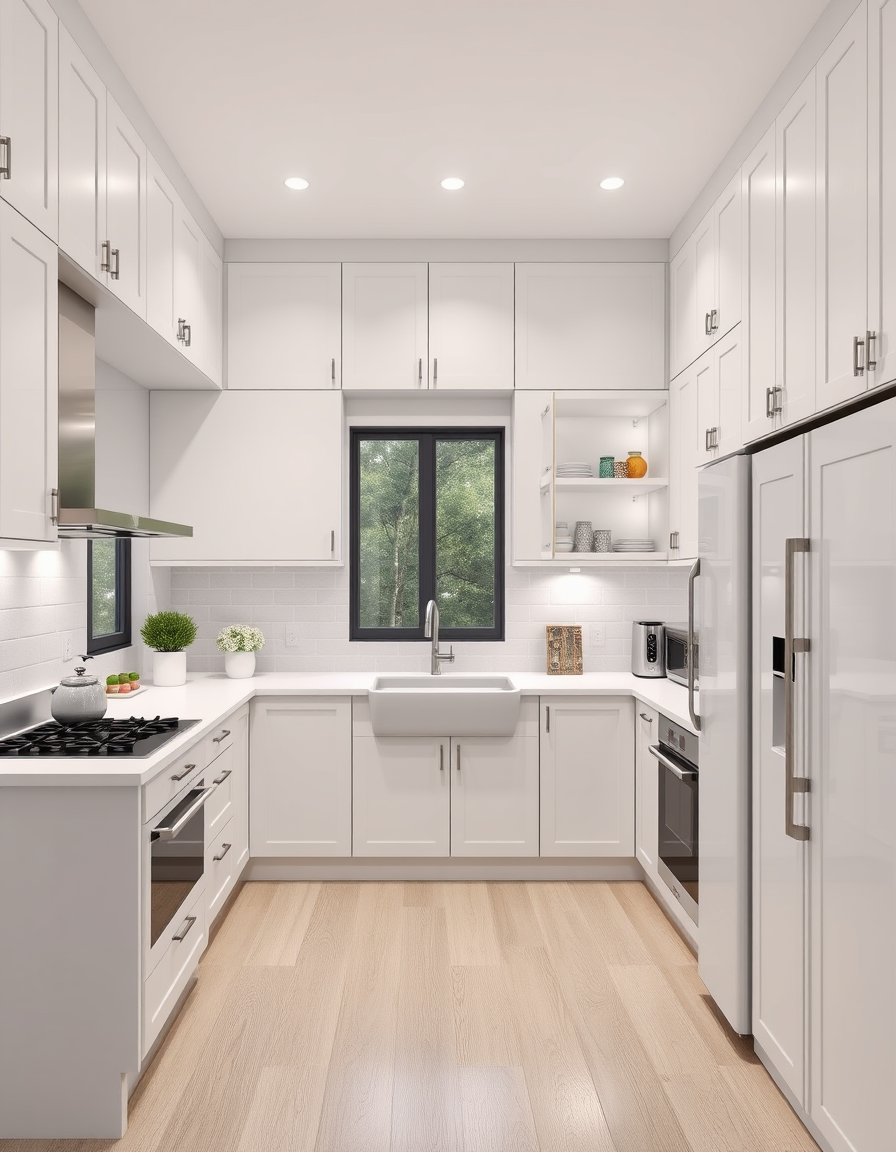
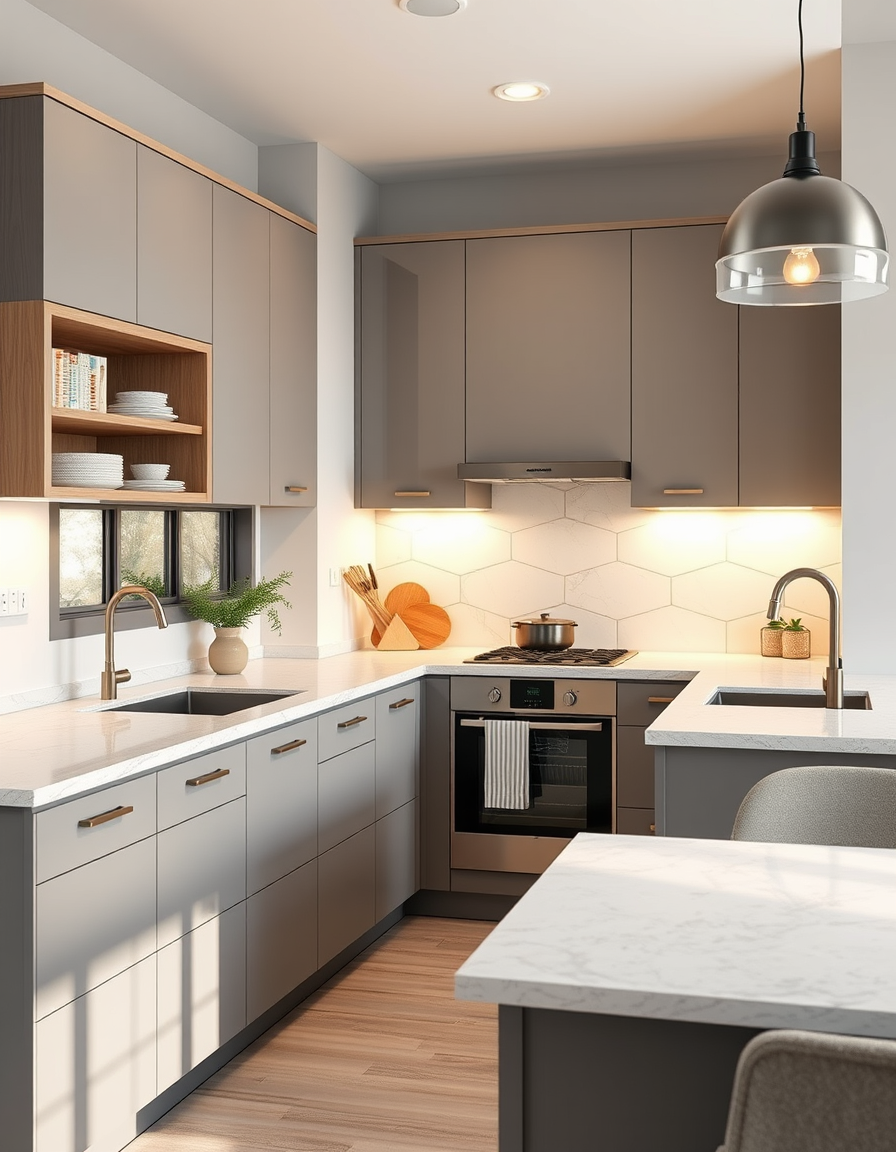
The FreePainter AI Kitchen Design tool generates photorealistic kitchen renders from a text description — free, no signup, no watermark, and with fair-use limits apply on generations. Kitchen renovations are among the most expensive home projects, and the gap between what you imagine from a cabinet swatch and a tile sample and what the finished room actually looks like is where costly mistakes happen. This tool lets you compose a kitchen concept in words and see a full-room render before any decisions are made.
The output is a photorealistic kitchen image: cabinets in the door profile and color you describe, countertops with appropriate material texture, backsplash pattern rendered correctly, and lighting consistent with the scene. It is not a CAD plan or a materials specification — it is a high-fidelity concept image that communicates the design direction clearly enough to use as a reference with a contractor or kitchen designer.
The most impactful prompt elements are the cabinet door style, cabinet color, and countertop material — these three define the kitchen's character more than anything else. Shaker cabinets in white with a marble subway tile backsplash produce a recognizable, enduring kitchen. Flat-front cabinets in walnut with a quartz waterfall island read as contemporary and minimal. Navy or forest green lowers with brass hardware and veined marble counters have a dramatic, layered quality. Describing the hardware finish — brushed brass, polished nickel, matte black — and the backsplash separately from the countertop produces more resolved and specific results.
For two-tone kitchens (different upper and lower cabinet colors), naming both colors explicitly — 'sage green lower cabinets with white upper cabinets' — guides the tool clearly. For kitchens with an island, specifying whether the island matches or contrasts the perimeter cabinets adds important detail.
Every generation applies a kitchen-design prefix that anchors the output to modern cabinetry, countertops, and lighting at photorealistic rendering quality — so you don't need to include those terms in your prompt. Just describe the look and materials you have in mind.
Landscape aspect ratio (16:9 or 4:3) best matches how kitchens are typically photographed. The PNG download is full-resolution and watermark-free, ready to share with a designer, contractor, or tile showroom.
Bathrooms, living rooms, full interiors — all free, no signup.
Visualize a complete interior — furniture, decor, and lighting — free online, no signup, renders within fair-use limits, straight in your browser.
Visualize your bathroom remodel with AI — free, no signup, renders within fair-use limits. Describe your tiles, vanity, and fixtures and see a photorealistic interior in seconds, right in your browser.
No account, credit card, or paid credits are required. Fair use allows 5 image generations per IP address each hour.
Shaker, modern flat-front, farmhouse, transitional, cottage, and contemporary all produce strong results. Name the style and material details in your prompt.
Yes — describe upper and lower cabinet colors explicitly and the tool will render the two-tone combination.
Yes — the render makes an excellent reference for conversations with contractors, kitchen designers, and suppliers. It communicates style direction and material choices clearly.
Yes — the PNG has no watermark or FreePainter branding.
Yes — generate one version with marble countertops and another with quartz or butcher block, then compare the PNGs side by side.