



Medium-specific painting
Oil, watercolor, ink, pastel, charcoal, illustration, and woodblock prompts use distinct surface language—impasto, transparent wash, dry line, or powdery softness—not one generic filter.
Convert a photo into a clean outline drawing free online - no signup, renders within fair-use limits, no watermark, right in your browser.
Generate the same person, pet, or character across unlimited images — without losing the face. Then turn it into a 4-second video.
Oil, watercolor, ink, pastel, charcoal, illustration, and woodblock prompts use distinct surface language—impasto, transparent wash, dry line, or powdery softness—not one generic filter.
Start from text or an uploaded image without creating an account, entering a card, or buying a credit pack. The painter runs directly in your browser.
The painter redraws the subject rather than applying a pixel-preserving filter. Brushwork can feel physical, but identity, small details, and composition may drift.
New paintings download as PNG files with no FreePainter watermark. Choose from six canvas shapes and upscale later when a large print needs more pixels.
The studio prohibits explicit sexual content, sexualized minors, non-consensual deepfakes, hate, and targeted harassment. Uploaded images must follow the same rules.
The free service allows 5 image generations per IP address each hour. Automated use and attempts to bypass the limit are prohibited.
Upload or describe a photo with a strong silhouette, simple background, and visible edges for the cleanest outline drawing.
Use words like clean contour, simple black line art, tattoo stencil, printable coloring page, or minimal shading.
Tell the painter to use a white background, simplify shadows, and keep only important details if the original photo is busy.
Create several outline versions, choose the clearest one, and download the no-watermark image for craft or design reference.
Compare finished results with the prompts behind them, then bring one back here as your starting point.
Explore the collection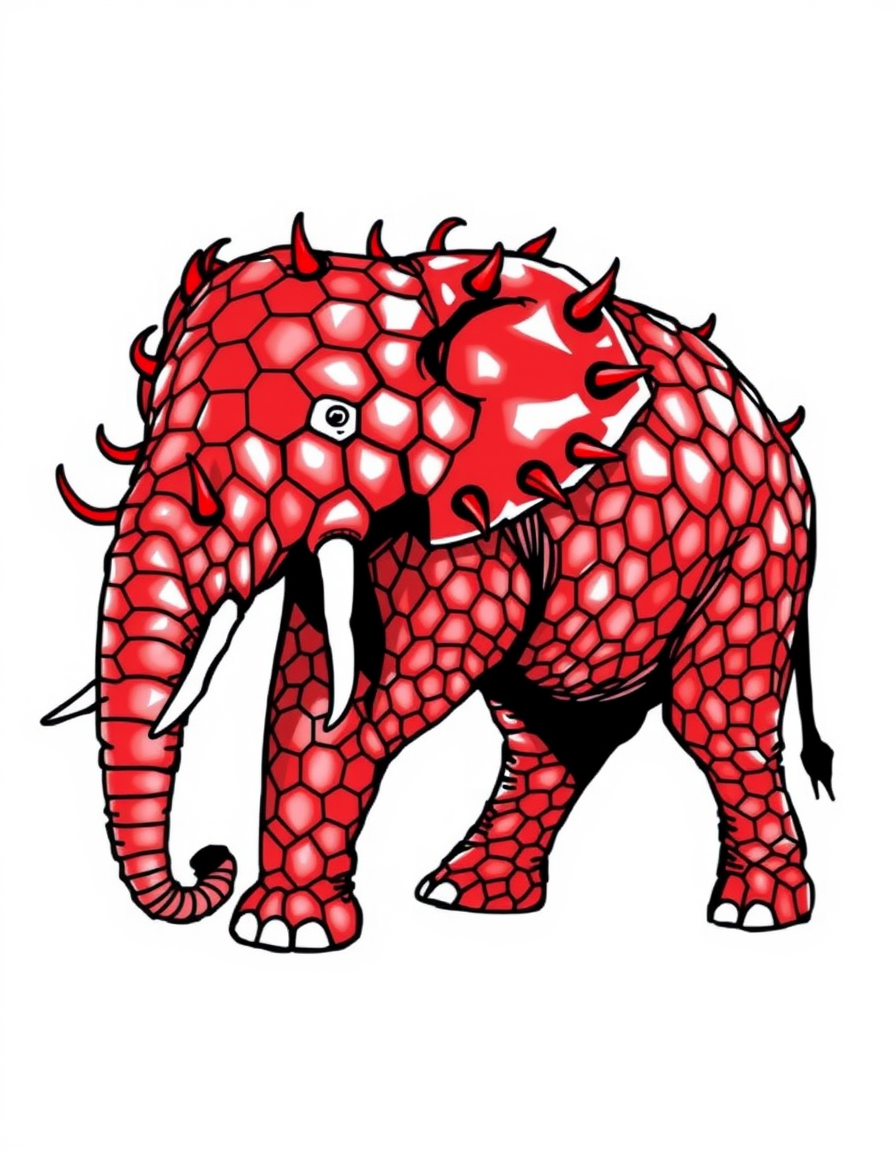
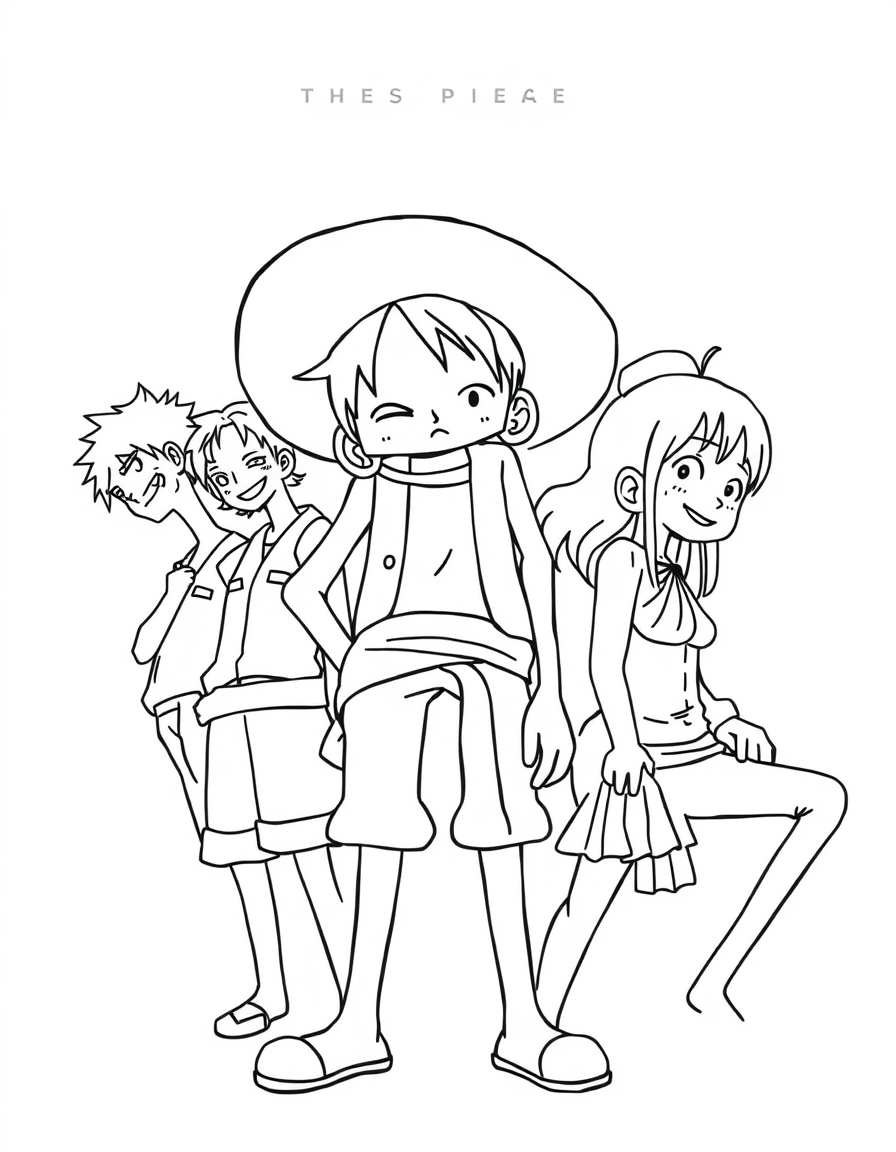
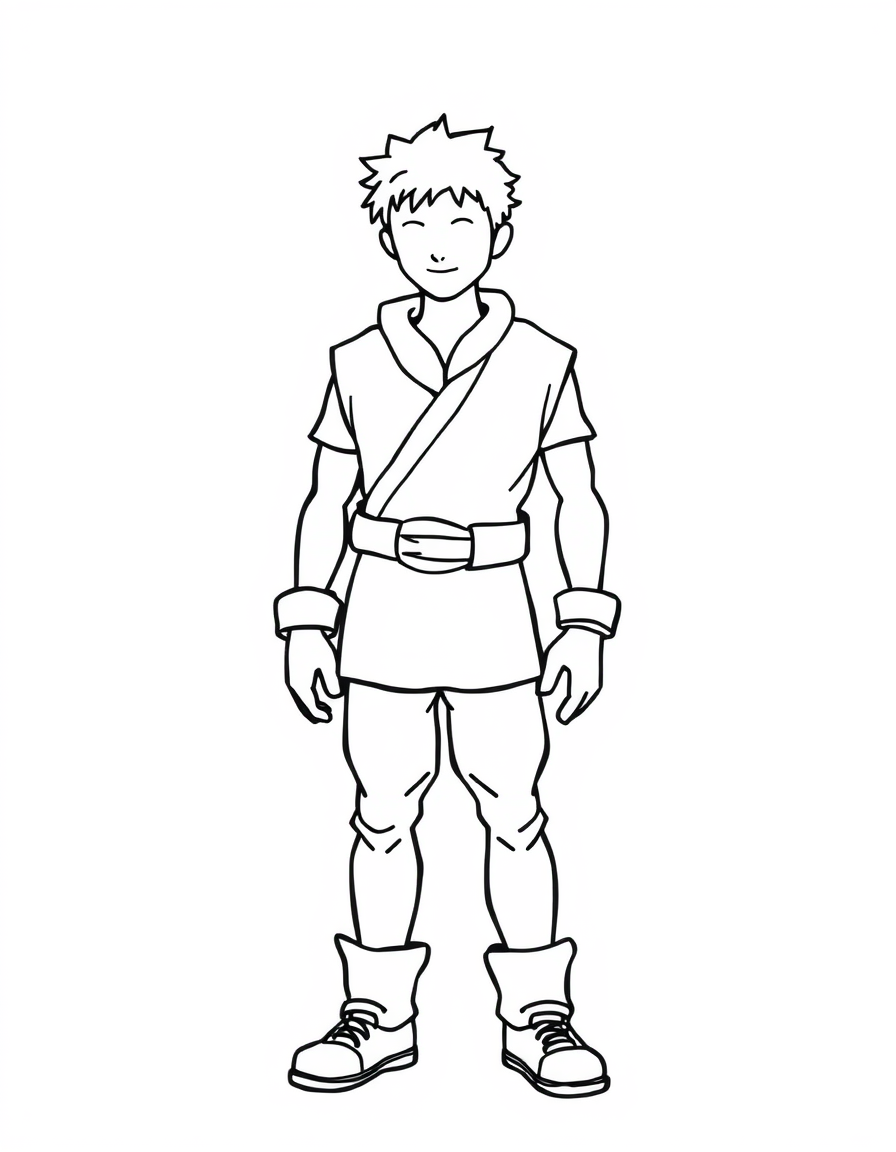
The FreePainter photo to outline generator converts a subject into clean contour line art - free, no signup, no watermark, and with tries online within fair-use limits. It is useful when a full-color photo has too much detail for the job: a pet outline for a coloring page, a face simplified for a craft project, a flower bouquet for stationery, a motorcycle silhouette for a tattoo idea, or a house turned into a simple line drawing. You can upload a reference photo or write the subject in words, then ask for black line art, white background, minimal shading, and preserved silhouette.
Outline drawings depend on choosing what to leave out. The page silently adds contour and printable-line-art language around your prompt, so it favors clear edges, restrained interior detail, and simple hand-drawn structure instead of heavy charcoal shadows or full painterly texture. The best results come from photos with a clear foreground subject, visible edges, and limited background noise. It does not create a mathematically exact vector trace or production-ready CAD drawing, and very small text or logos may not survive. Treat the result as a clean visual draft for crafts, coloring pages, tattoo conversations, engraving references, or design mockups, then refine final technical artwork in a dedicated editor when precision matters.
Try charcoal, ink, watercolor, and photo painting pages when you want more texture than a simple outline.
Completely free AI charcoal drawing generator — high contrast, dramatic shadows. No signup, no watermark.
Completely free AI ink painter — sumi-e, Chinese brush, minimalist ink wash. No signup, no watermark.
Turn portraits, landscapes, and pets into fine-art paintings free online — no signup, subject to fair-use limits, no watermark, right in your browser.
Describe a subject or upload a photo for transparent washes, soft bleeds, and paper texture. No signup or paid credits; fair-use limits apply.
Yes. You can create outline drawings free online with no signup, no credit card, and no watermark.
Yes. Upload a reference image for the outline to follow, or describe the subject if you want a new line-art image.
No. The download is an image result, not an editable SVG or CAD trace. Use it as a clean reference or draft for further editing.
Photos with a clear subject, strong silhouette, and simple background work best. Busy scenes may need prompts like simplify background or minimal detail.
Yes, it is good for early tattoo ideas, coloring pages, crafts, and design references. Have a professional refine any final tattoo or production artwork.