




Medium-specific painting
Oil, watercolor, ink, pastel, charcoal, illustration, and woodblock prompts use distinct surface language—impasto, transparent wash, dry line, or powdery softness—not one generic filter.
Reimagine your home's exterior with AI — free, no signup, renders within fair-use limits. Describe the facade, materials, and landscaping you want and see a photorealistic visualization instantly, in your browser.
Generate the same person, pet, or character across unlimited images — without losing the face. Then turn it into a 4-second video.
Oil, watercolor, ink, pastel, charcoal, illustration, and woodblock prompts use distinct surface language—impasto, transparent wash, dry line, or powdery softness—not one generic filter.
Start from text or an uploaded image without creating an account, entering a card, or buying a credit pack. The painter runs directly in your browser.
The painter redraws the subject rather than applying a pixel-preserving filter. Brushwork can feel physical, but identity, small details, and composition may drift.
New paintings download as PNG files with no FreePainter watermark. Choose from six canvas shapes and upscale later when a large print needs more pixels.
The studio prohibits explicit sexual content, sexualized minors, non-consensual deepfakes, hate, and targeted harassment. Uploaded images must follow the same rules.
The free service allows 5 image generations per IP address each hour. Automated use and attempts to bypass the limit are prohibited.
Write the architectural style, cladding material, roof type, window style, and any landscaping details. Mention existing features you want to keep or change.
The AI creates a detailed exterior visualization from your description. Compare several variations — different paint colors, cladding materials, or front garden styles — before deciding.
Save the watermark-free PNG and share it with your architect, builder, or planning consultant as a clear visual brief.
Compare finished results with the prompts behind them, then bring one back here as your starting point.
Explore the collection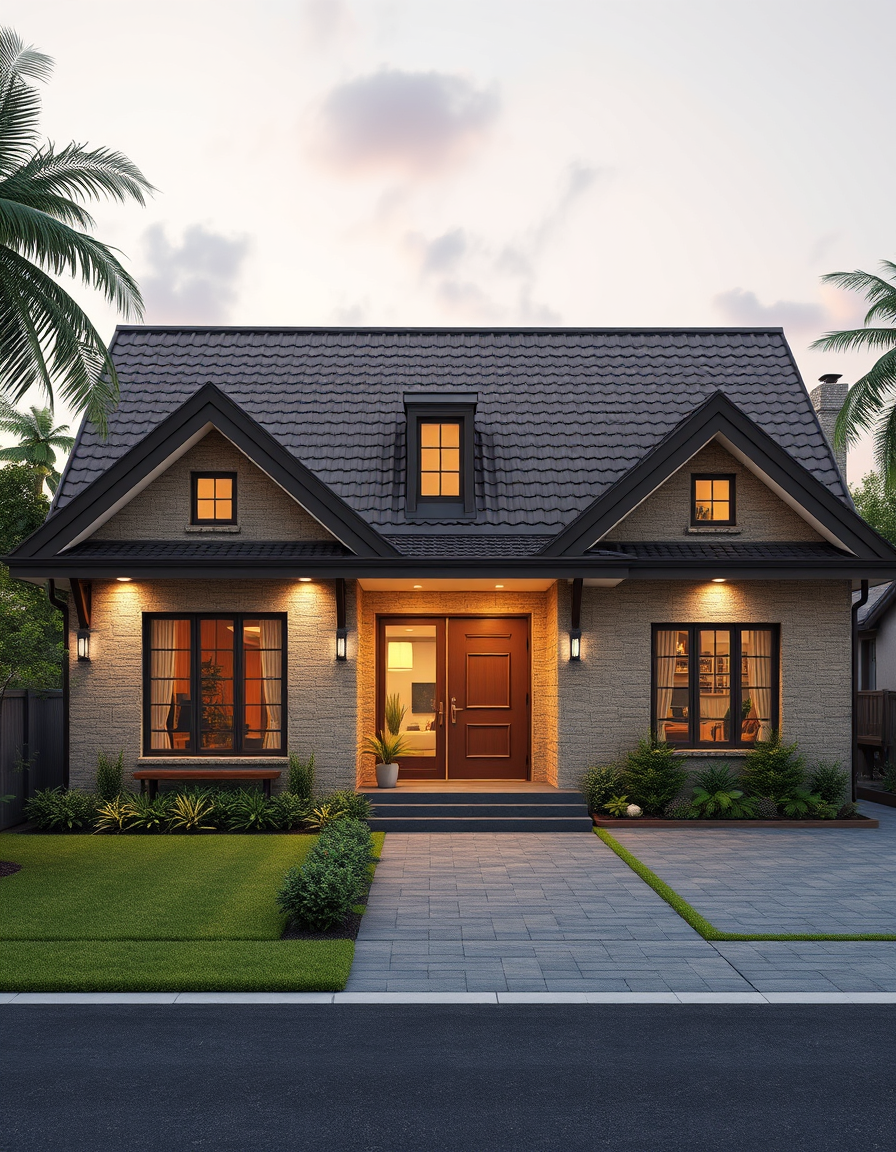
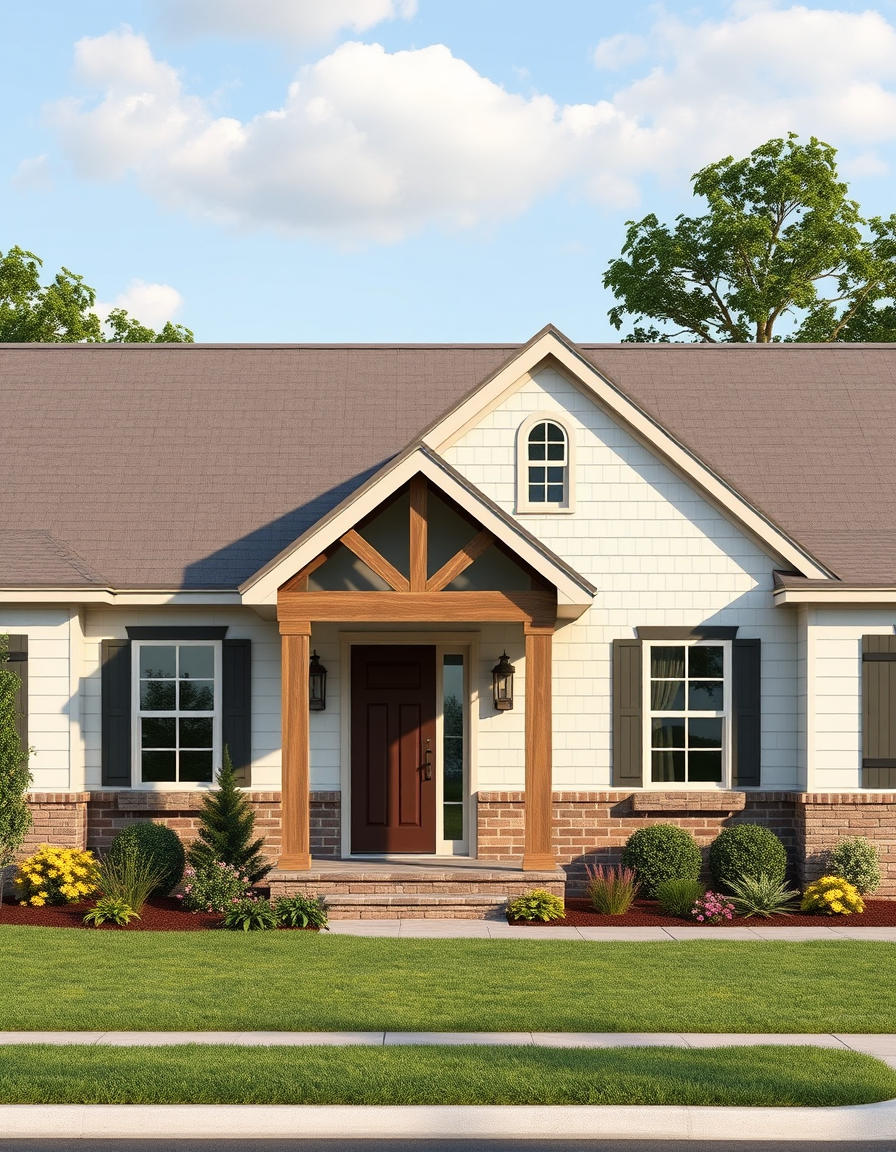
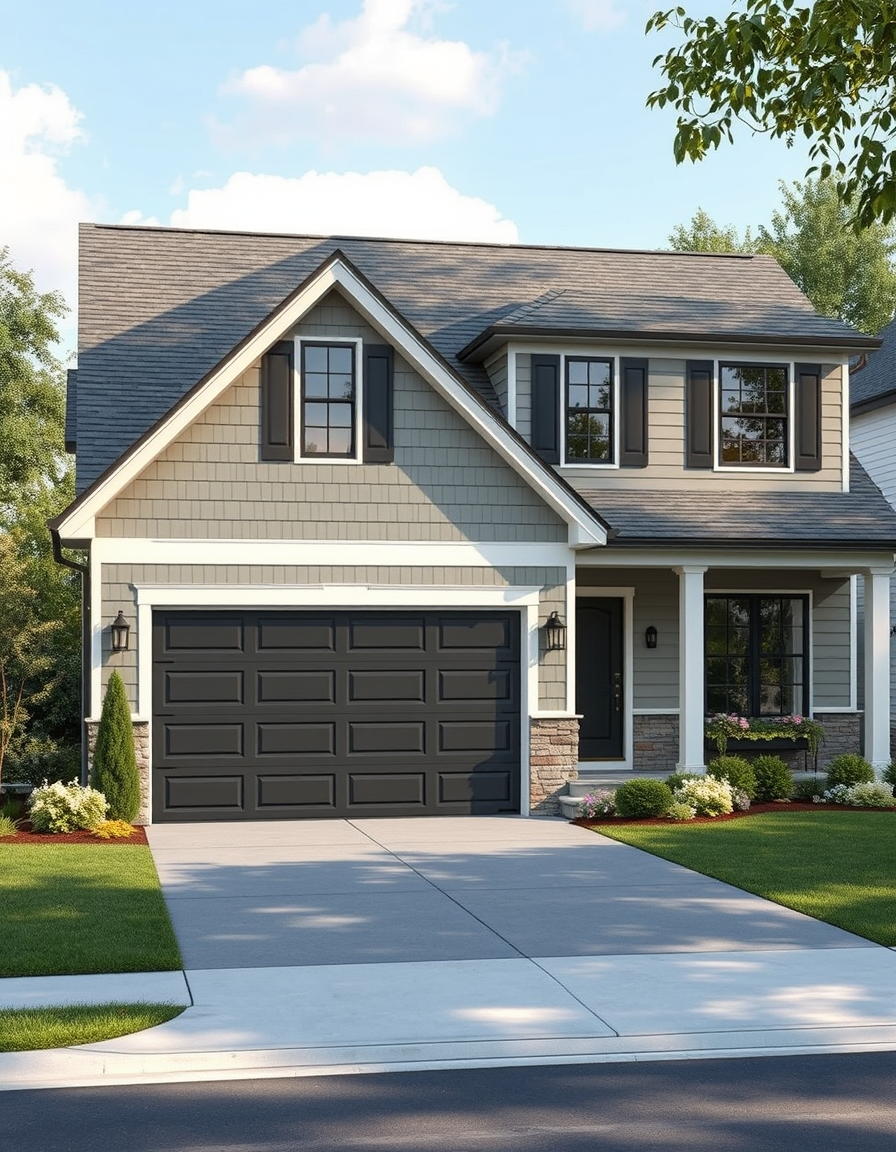
The AI House Exterior Design Tool on FreePainter lets you see exactly what your home could look like with a different facade, new cladding, a fresh color scheme, or reimagined landscaping — before a single plank is nailed or a drop of paint is applied. It's a free, no-signup tool that turns a plain-language description into a photorealistic exterior render with no watermark on any download.
Exterior renovation decisions are high-stakes and hard to reverse. A roofline change, a facade reclad, or a new paint color can define a property's character for decades. Visualizing the result before committing — and doing so across several different options in the same afternoon — changes the entire planning process. This tool makes that visualization free and instantaneous.
The renders are detailed and convincingly photorealistic. Describe a "modern farmhouse with white board-and-batten siding, black steel windows, a standing-seam metal roof, and a gravel driveway with native shrubs" and the output captures the texture of the cladding, the crispness of the window frames, the sheen of the roof material, and the character of the plantings — all in a single composed image that reads like an architectural visualization.
The tool handles every major architectural tradition. Craftsman bungalows with their characteristic columns and shingle detailing. Contemporary flat-roof homes with floor-to-ceiling glass. Victorian terraces with ornate gable trim. Spanish colonial with terracotta and arched loggias. Mid-century ranches with horizontal wood cladding and low-sloped rooflines. Each style renders with its own material vocabulary and proportional logic.
Practical guidance: ground the render by mentioning the setting — "suburban street, mature oak tree to the left, concrete driveway" — so the house sits in a believable context rather than floating. Specify the season to control the landscaping palette: spring gives you fresh green lawns and blossom; autumn gives you rich leaf color; winter produces stripped-back forms that show the architecture most clearly. Paint colors render accurately when named precisely — "Farrow & Ball Elephant's Breath gray" or "deep charcoal with warm undertones" both produce distinctly different results.
Generations are free, subject to fair-use limits, and watermark-free. No login is ever required.
Visualize every part of your property before you renovate.
No account, credit card, or paid credits are required. Fair use allows 5 image generations per IP address each hour.
Yes. Describe the existing architectural style and specify the new color scheme in your prompt — the AI will render the facade in the new palette.
Yes. Describe the building type and the section you want to visualize — the AI handles terraced, semi-detached, and multi-story facades as well as detached homes.
Absolutely. Download the PNG and share it directly as a visual brief — it's a much clearer starting point than trying to describe a vision in words alone.
The tool renders materials with high fidelity — brick, timber cladding, render, shiplap, glass, and metal all have distinct, realistic textures in the output.
Yes. Prompts are not saved or linked to any account. Each session is fresh and private.